Artwork, placement and print sizing
Generate artwork ideas, place them on the sketch and set the printed size and technique.
3-day free trial · Cancel anytime
4 steps, no setup
- 1
Generate or upload
Describe the idea and get up to 4 options, 1 credit each. Or upload your own file.
- 2
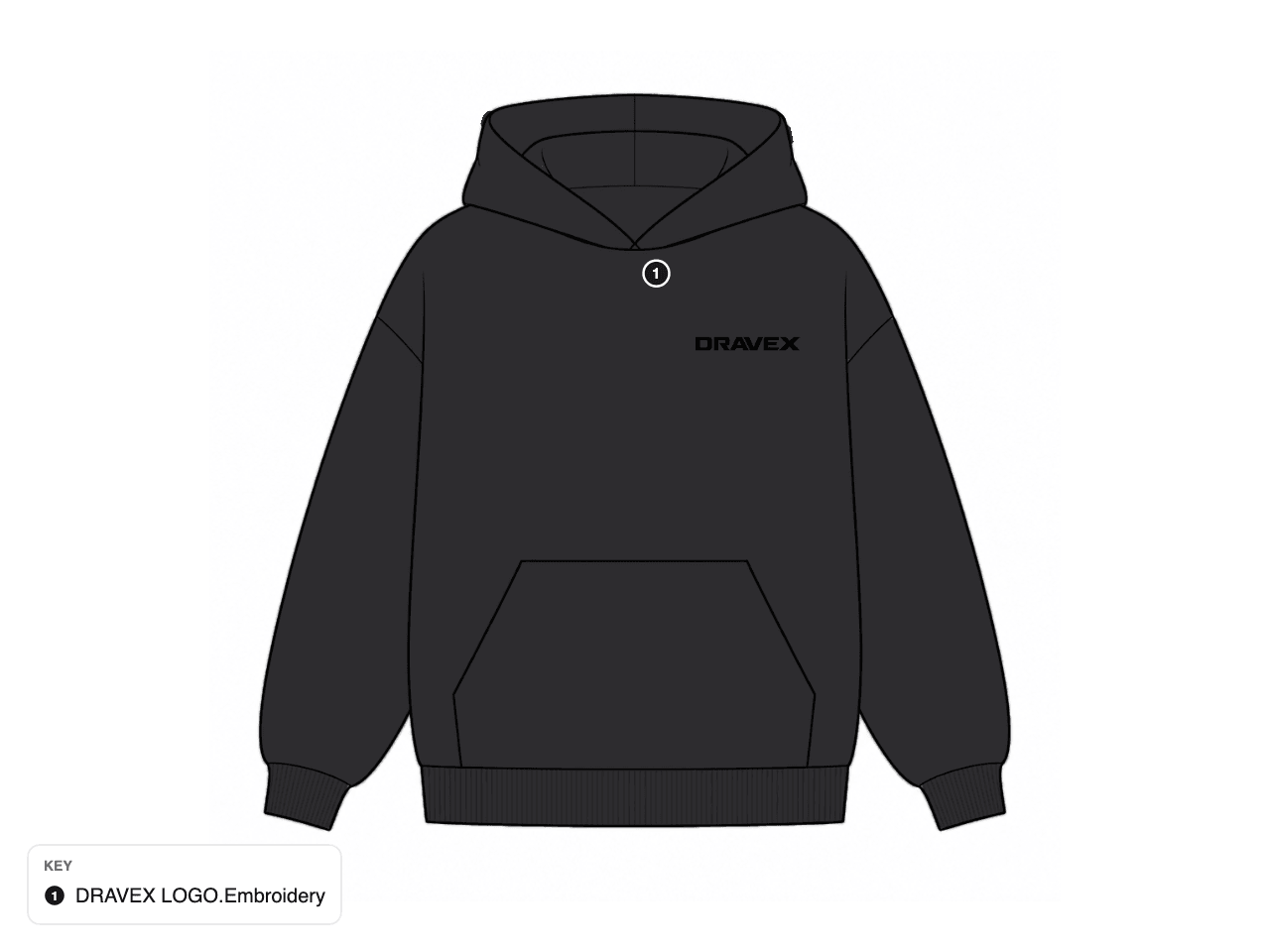
Place it on the sketch
Drag, resize and rotate on the canvas. The layering wand helps put the artwork on the right panel.
- 3
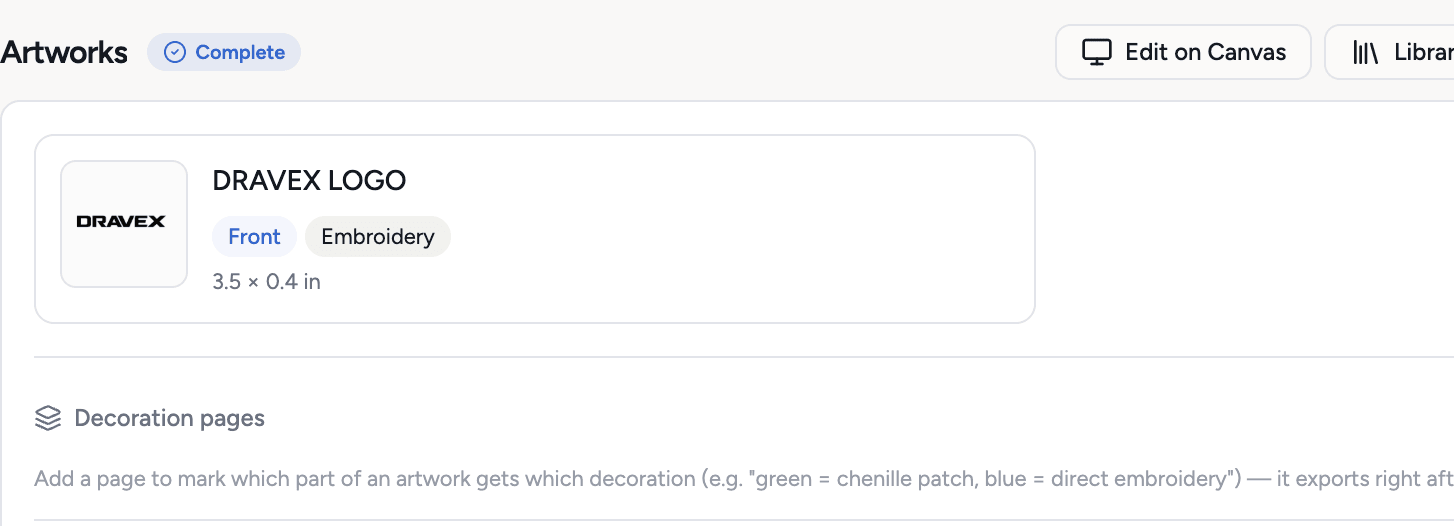
Set size and technique
Type the printed size or let AI suggest it. Pick the technique: embroidery, screen print, heat transfer and 24 more.
- 4
Keep every version
Edits are saved as versions. The PDF plus ZIP export includes the artwork files.

What you get
- Up to 4 AI ideas per run
- 27 decoration techniques
- Print size in inches or centimeters
- AI suggest size, free
- Layering wand for placement
- Version history for every artwork
- Artwork files in the PDF plus ZIP export
Credits: 1 credit per generated artwork. Uploads, placement and size suggestions are free. How credits work
Good to know
What this feature does not do, so there are no surprises.
- AI artwork is a starting point. Clean it up in your design tool before production.
- Placement on the sketch shows position and size. It is not a print-ready separation.
Questions about artwork, placement and print sizing
Yes. Upload the file, place it on the sketch and set the size and technique. No credits are used.
A helper that puts the artwork on the right panel of the sketch, so it sits on the garment instead of over the lines.
Works together with
Try artwork, placement and print sizing on your own garment
Every new workspace opens with a finished hoodie tech pack. Open it, change it, export the PDF. Then build your own.
3-day free trial · Cancel anytime
Teams and factories: the Enterprise PLM starts with a demo. We set you up, then you get access.