AI realistic mockups
Turn the colored flat into a photoreal mockup, view by view, before you sample.
3-day free trial · Cancel anytime
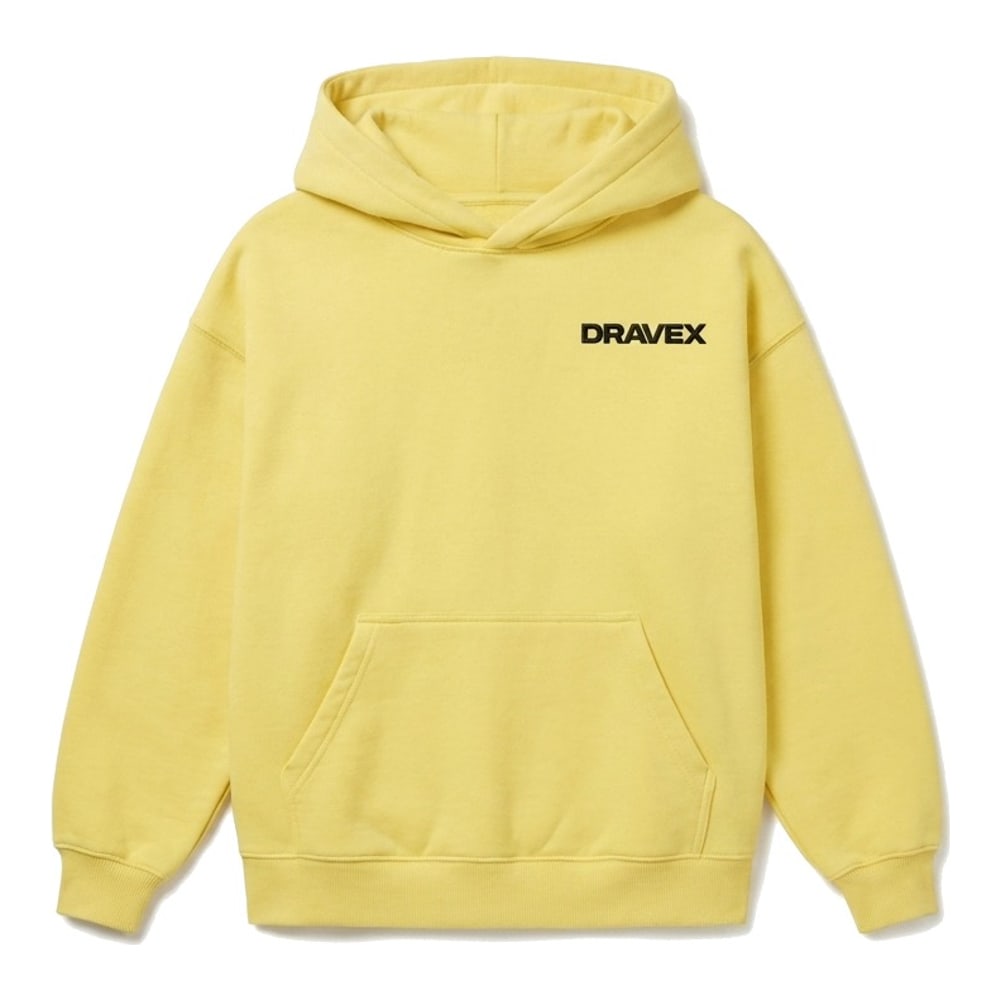
3 steps, no setup
- 1
Color the flat first
The mockup follows the colorway and the artwork on the canvas.
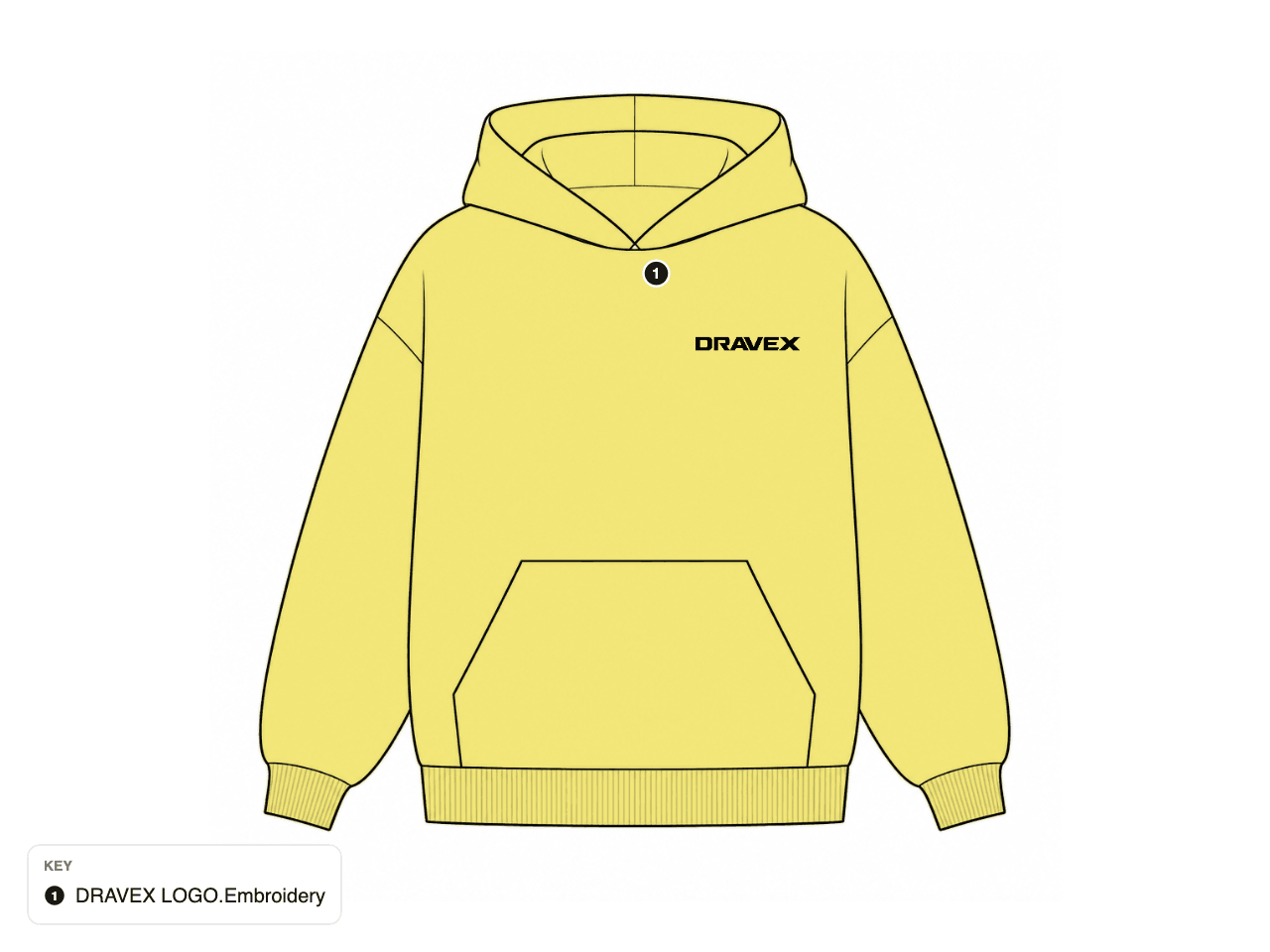
- 2
Generate a view
Pick front or back and press generate. Each view takes 20 to 40 seconds and costs 2 credits.
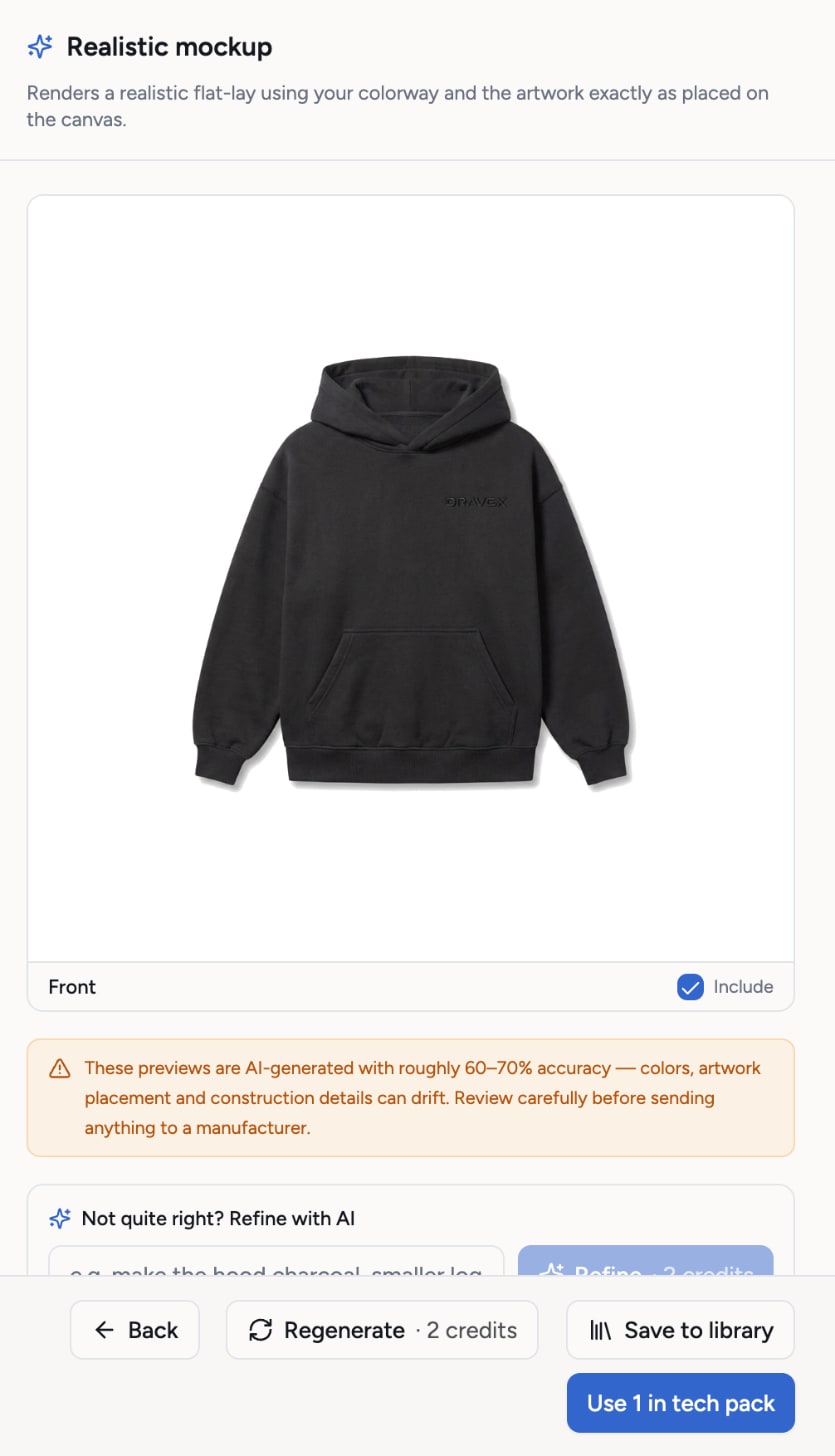
- 3
Use it everywhere
The mockup sits in the tech pack, the PDF and the supplier link. Regenerate one view without touching the other.
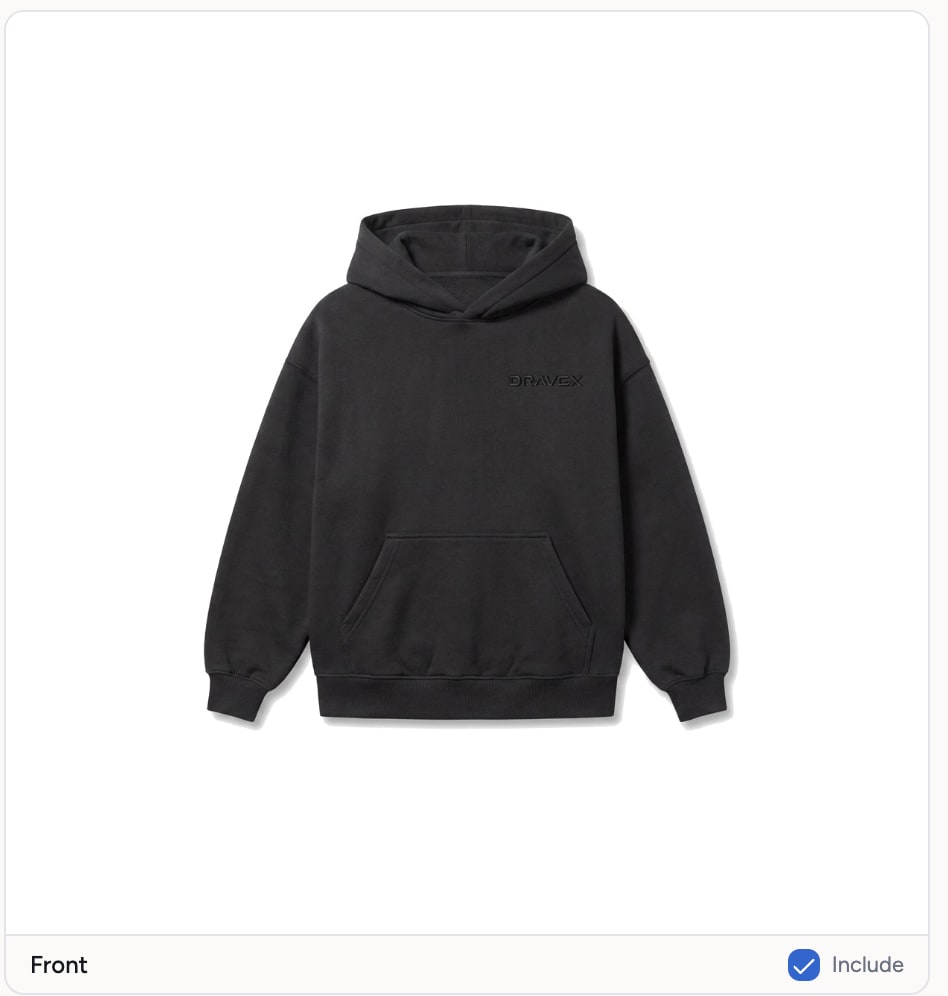
What you get
- Photoreal flat-lay mockups from your own flat
- Per view: keep one, redo the other
- Follows the colorway and the placed artwork
- Shown large in the tech pack, the PDF and the share link
Credits: 2 credits per view. How credits work
Good to know
What this feature does not do, so there are no surprises.
- Mockups are AI renderings, roughly 60 to 70% faithful to the flat. Expect small differences in seams, trims and artwork edges.
- They are not a substitute for a physical sample. Use them for decisions and presentations, not for approvals.
- Each view costs 2 credits, also when you regenerate it.
Questions about ai realistic mockups
20 to 40 seconds per view.
Yes. Each view is generated on its own. The front stays as it is.
Works together with
Try ai realistic mockups on your own garment
Every new workspace opens with a finished hoodie tech pack. Open it, change it, export the PDF. Then build your own.
3-day free trial · Cancel anytime
Teams and factories: the Enterprise PLM starts with a demo. We set you up, then you get access.