Construction pages and annotations
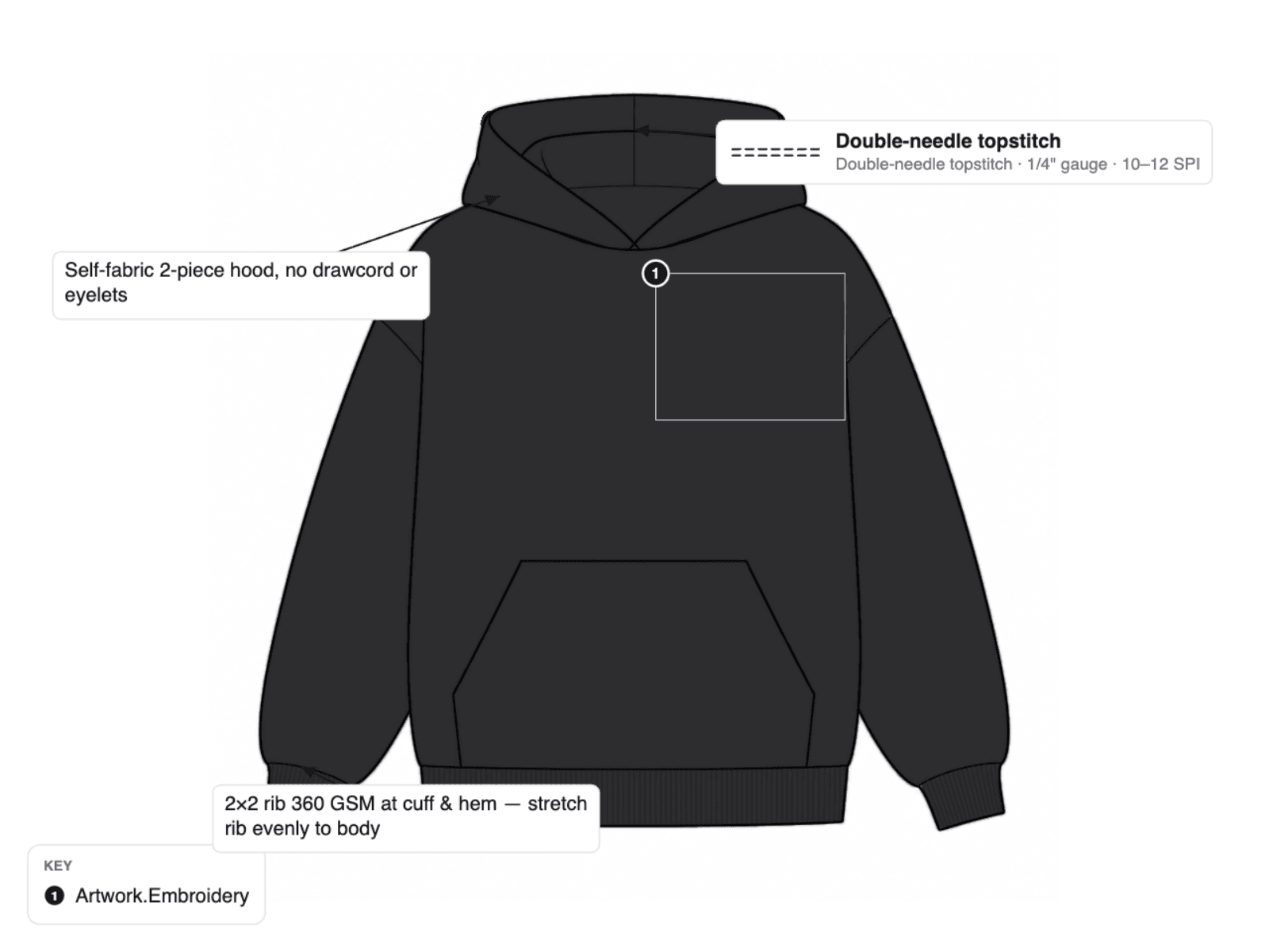
Mark seams, stitches and callouts on the garment itself, with a key your factory can read.
3-day free trial · Cancel anytime
3 steps, no setup
- 1
Open a page
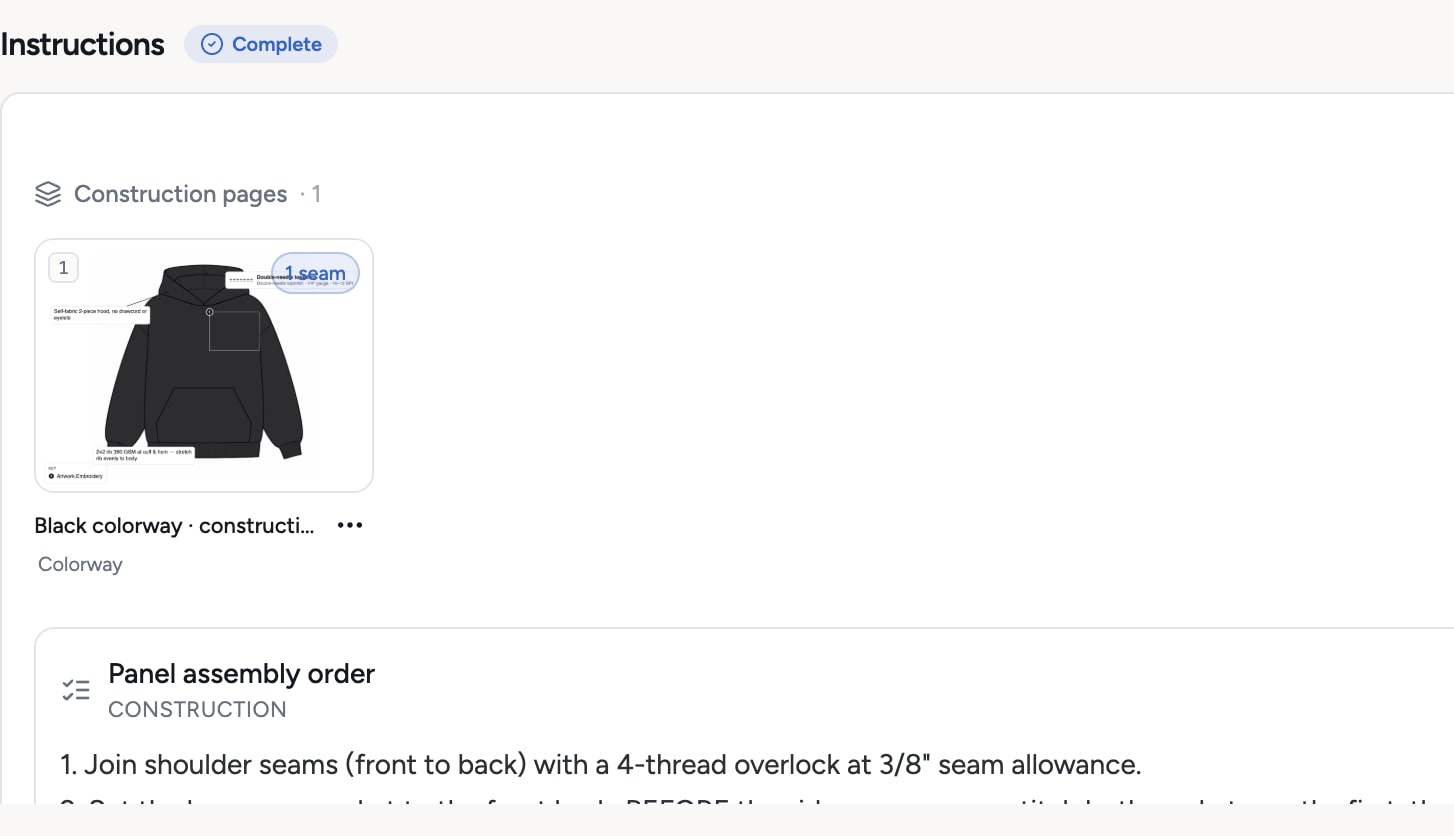
Start from a colorway view, a mockup or any photo you upload. It becomes a construction page in the Instructions section.
- 2
Mark the construction
The seam tool has 7 stitch types with ISO classes. Add callouts with arrows and free notes. Hover a seam to see its stitch.
- 3
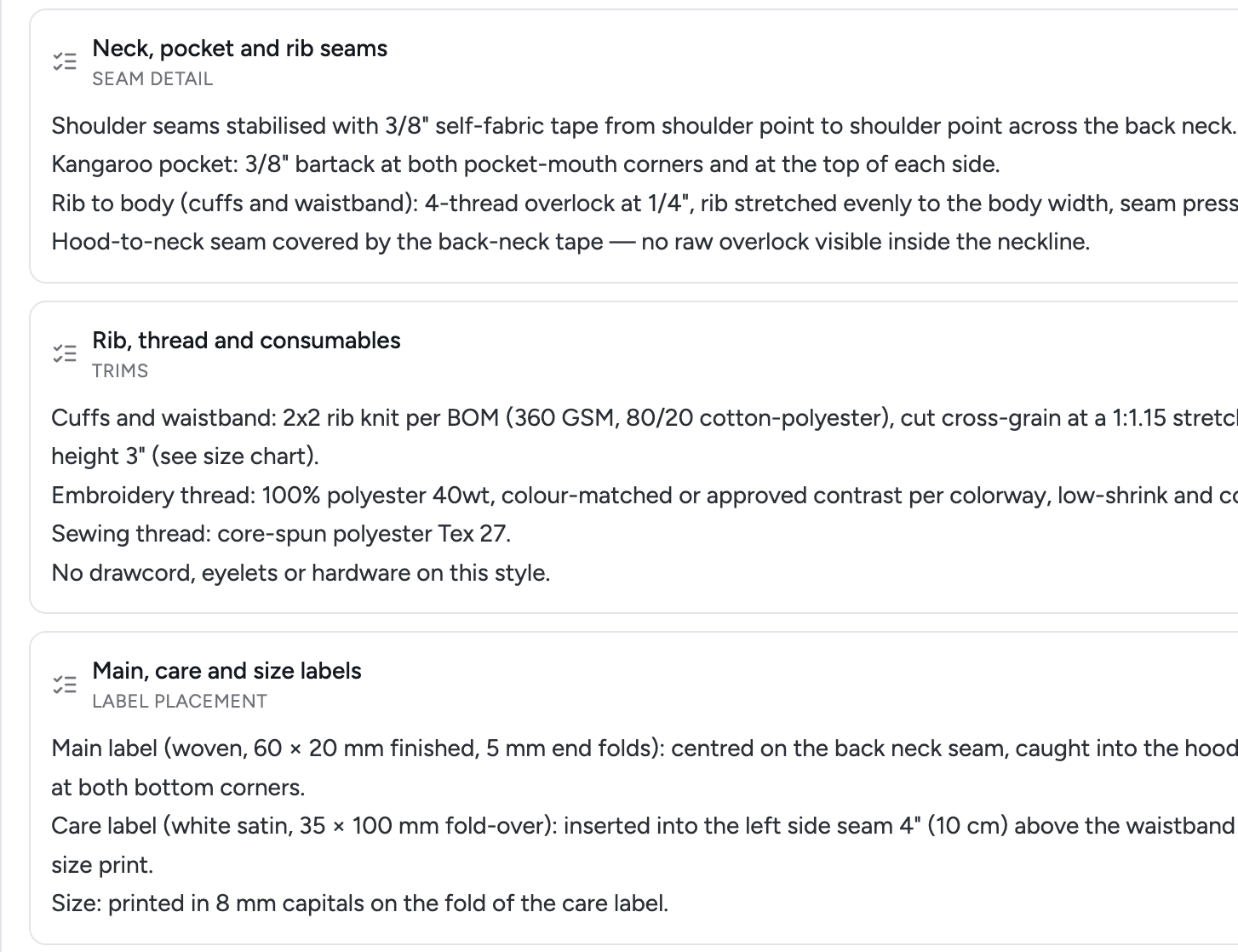
Explain the sequence
Instruction blocks describe the build step by step. Pages and blocks print in the PDF and show on the supplier link.
What you get
- 7 stitch types with ISO classes
- A stitch key on every page
- Callouts, arrows and notes
- Annotate photos of samples
- Instruction blocks in order
- AI suggestions for callouts, free
Credits: Free. Annotations and instruction pages use no credits. How credits work
Good to know
What this feature does not do, so there are no surprises.
- Annotations are drawn on an image. They do not write a sewing specification by themselves.
- Stitch classes are labels for communication. Confirm machine settings with the factory.
Questions about construction pages and annotations
Yes. Upload the photo as a page and mark seams, callouts and notes on it.
Yes. Every construction page is in the PDF and on the read-only supplier link.
Works together with
Try construction pages and annotations on your own garment
Every new workspace opens with a finished hoodie tech pack. Open it, change it, export the PDF. Then build your own.
3-day free trial · Cancel anytime
Teams and factories: the Enterprise PLM starts with a demo. We set you up, then you get access.