Packaging and labels
Hangtags, main labels, care labels and poly bags as print-ready spec drawings.
3-day free trial · Cancel anytime
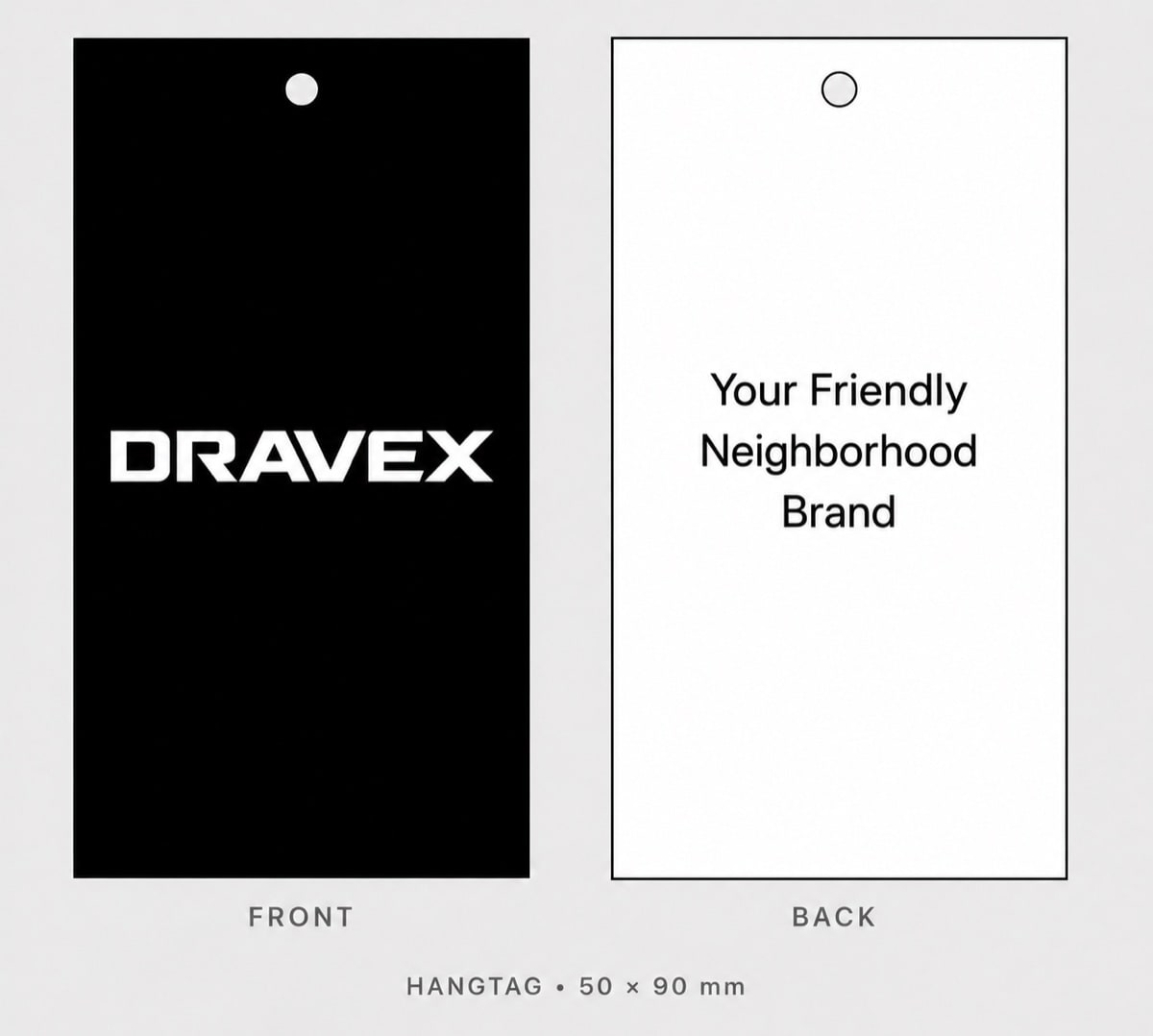
4 steps, no setup
- 1
Pick the items
Hangtag, main label, size label, care label, poly bag. Up to five per run. The wizard shows what it can already read from the tech pack.
- 2
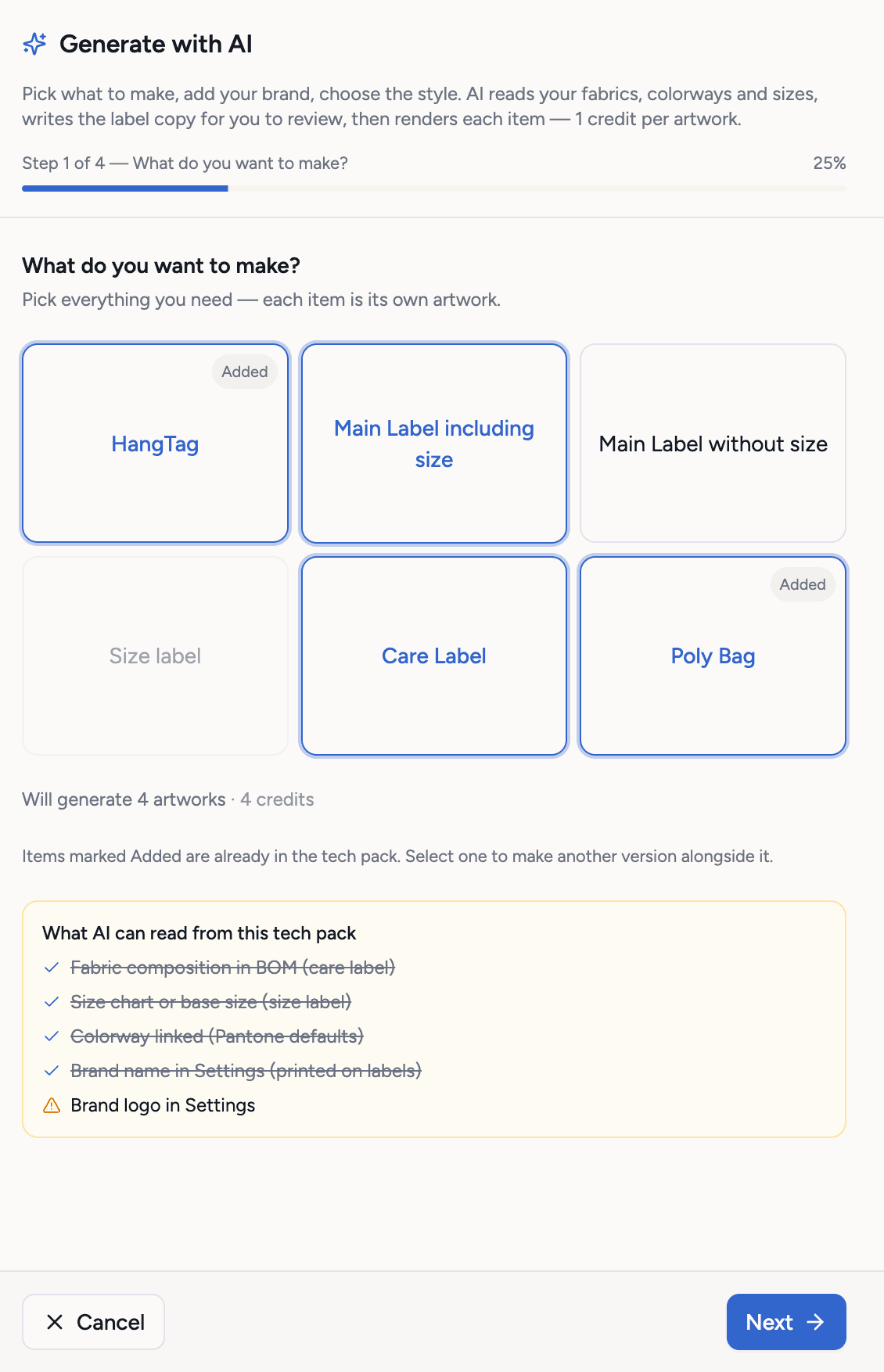
Set the brand
Your brand name, a tagline, Pantone colors taken from the product's colorways, and the country of origin.
- 3
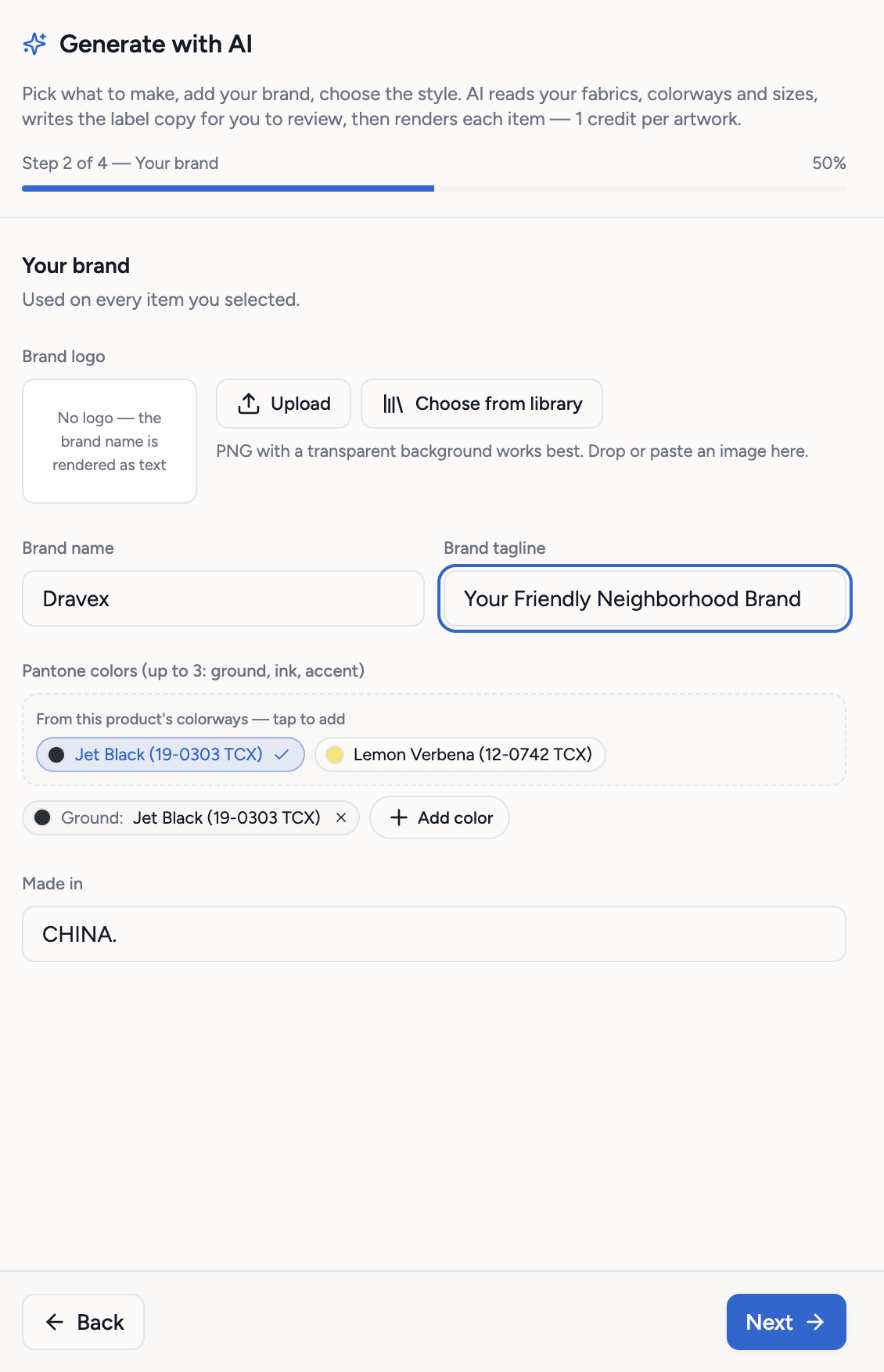
Choose the style
Construction, placement and type for each label, and the hangtag shape. The defaults are common factory choices.
- 4
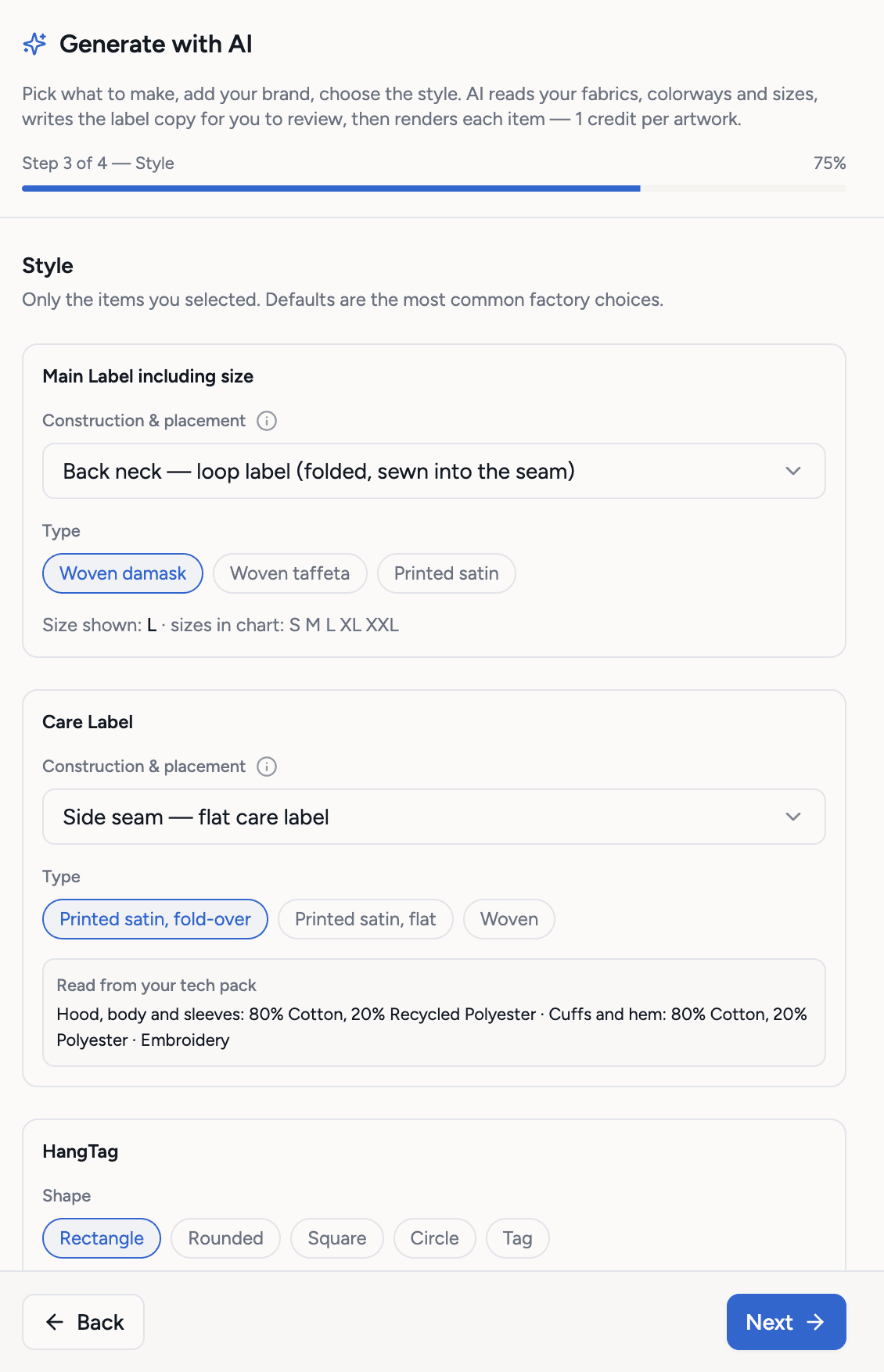
Review the copy and generate
Techstyles drafts the wording from your BOM and sizes. Edit anything, then generate: 1 credit per item, as print-ready PNGs.
What you get
- Five item types
- Wording drafted from the BOM and sizes, free
- A print-ready PNG per item
- Dimensions on every drawing
- Regenerate one item without the rest
- Or upload your own label pictures
Credits: 1 credit per generated item. The copy step is free. How credits work
Good to know
What this feature does not do, so there are no surprises.
- Care symbols and legal wording differ by market. Check them against the rules where you sell.
- The drawings are specs for your label supplier, not final production files from them.
Questions about packaging and labels
Yes. Upload your label pictures to the packaging section instead of generating them.
Works together with
Try packaging and labels on your own garment
Every new workspace opens with a finished hoodie tech pack. Open it, change it, export the PDF. Then build your own.
3-day free trial · Cancel anytime
Teams and factories: the Enterprise PLM starts with a demo. We set you up, then you get access.