Design canvas
Color panels in one click, add stripes and washes, and pin callouts right on the sketch.
3-day free trial · Cancel anytime
4 steps, no setup
- 1
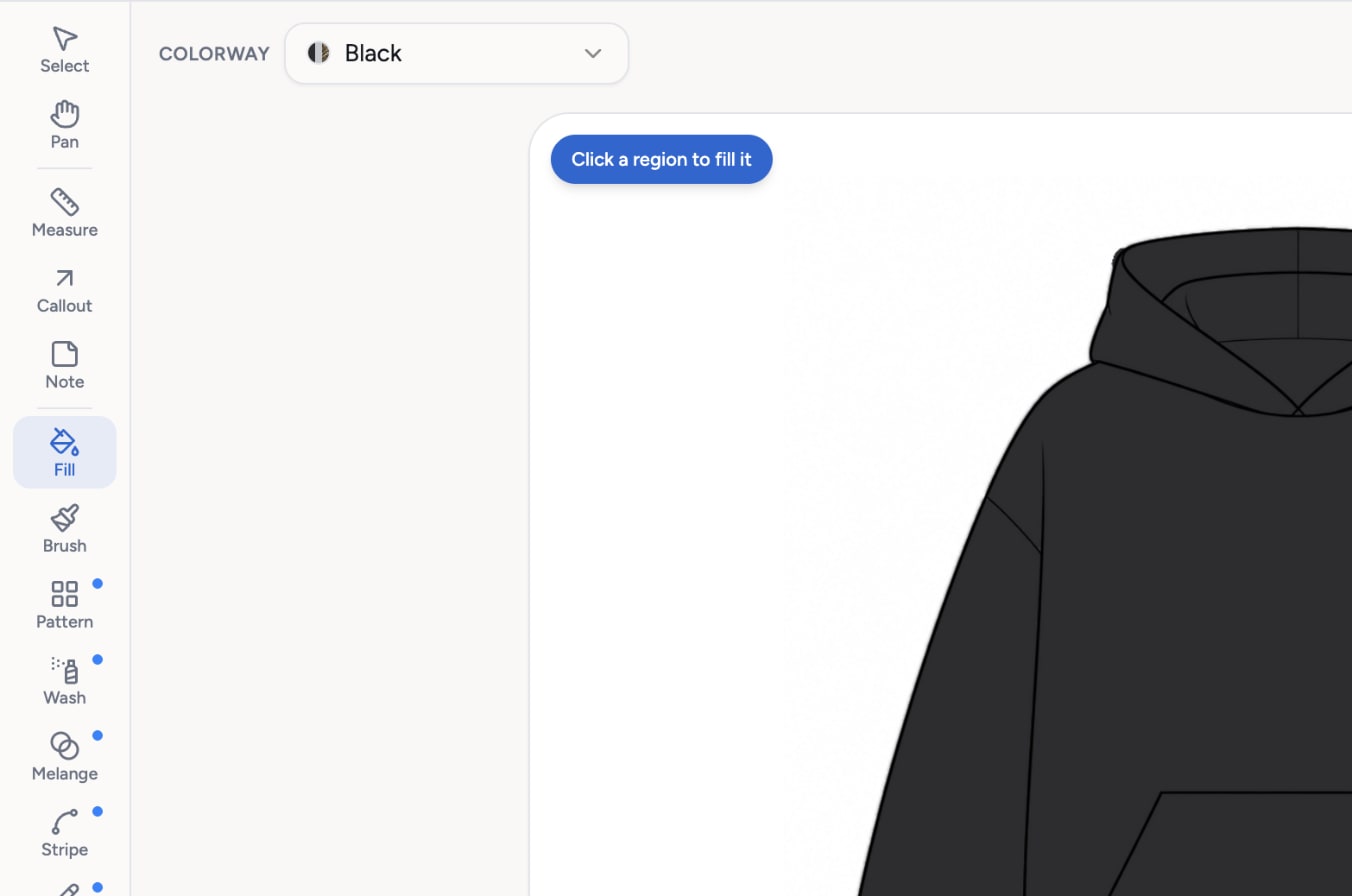
Fill a panel
Pick the Fill tool, click a panel and it takes the colorway's color. Swatches come from your colorways and from the trims on the BOM.
- 2
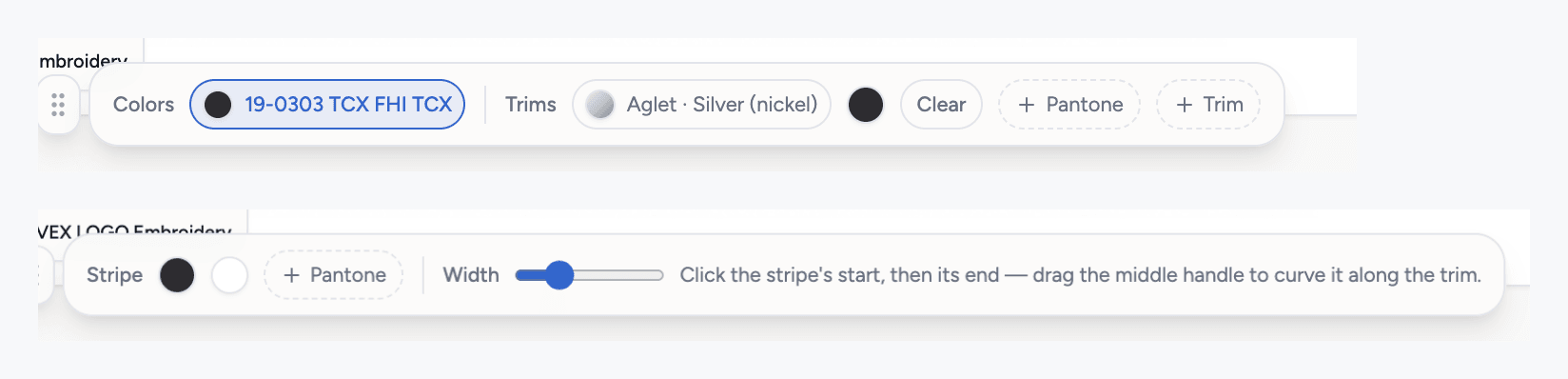
Add texture and lettering
Stripes, washes, melange and patterns sit on top of the fill. The text tool has 12 fonts and 5 shapes.
- 3
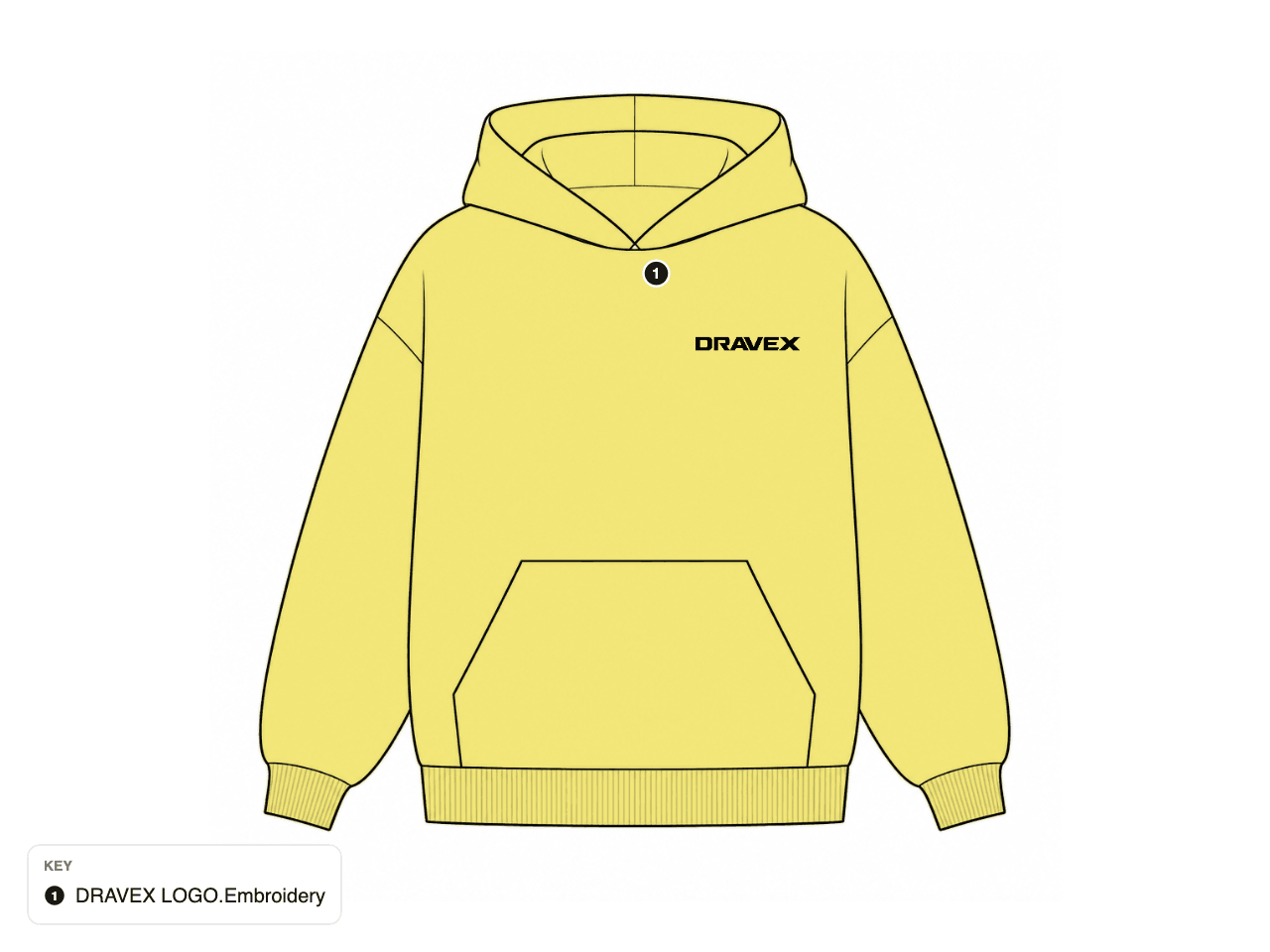
Pin what the factory needs
Measure, callout and note tools attach to the sketch. Place artwork and size it to the printed size.
- 4
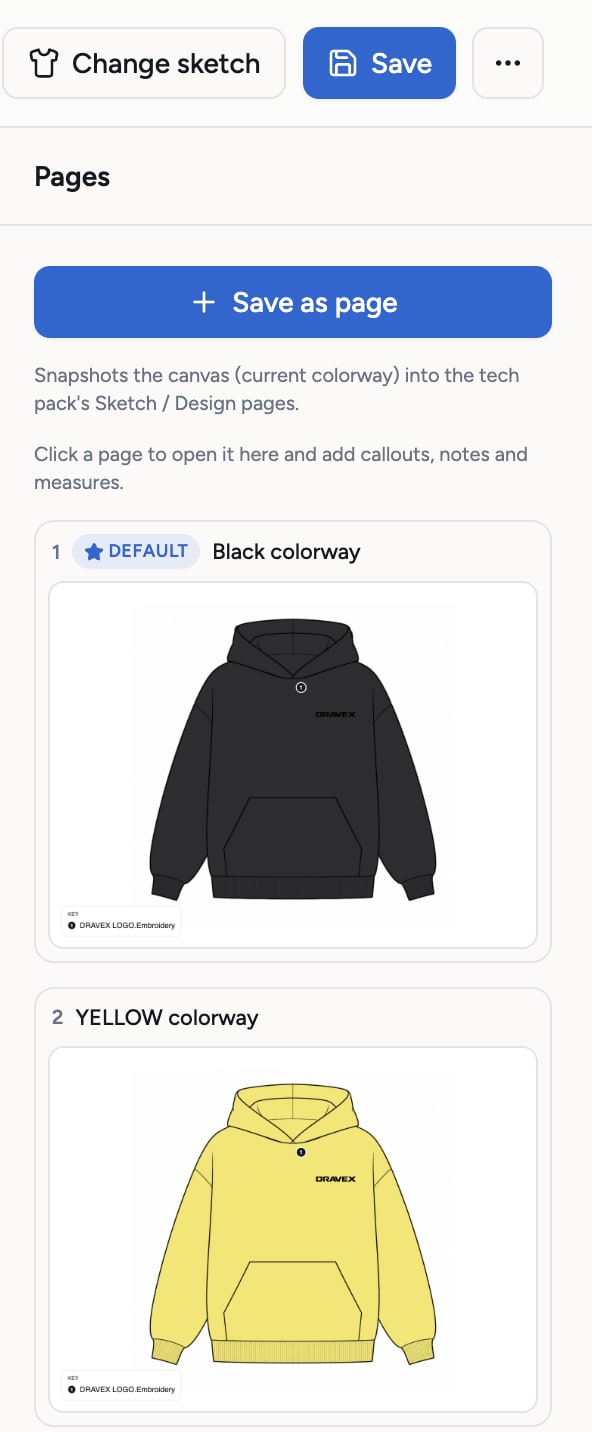
Save it as a page
Keep each colorway view and each construction page. The canvas saves when you press Save.
What you get
- 17 tools: fill, brush, eraser, clean-up, stripe, wash, melange, pattern, text, shape, measure, callout, note, pencil, artwork, select and pan
- Undo and redo
- One view per colorway
- AI suggestions for callouts, free
- Works with a generated or an uploaded sketch
Credits: Free. Painting, text, shapes, callouts and AI callout suggestions use no credits. How credits work
Good to know
What this feature does not do, so there are no surprises.
- The canvas paints a raster sketch. It is not a vector CAD tool and it does not make cutting patterns.
- Fill follows the lines of the sketch. Open lines may need the pencil clean-up first.
- Changes are kept when you press Save. Leaving without saving discards them.
Questions about design canvas
No. The canvas runs in the browser. It is made for coloring and annotating a flat, not for drawing one from scratch.
The canvas needs a laptop or desktop screen. Signing up and reviewing a tech pack work on a phone.
Works together with
Try design canvas on your own garment
Every new workspace opens with a finished hoodie tech pack. Open it, change it, export the PDF. Then build your own.
3-day free trial · Cancel anytime
Teams and factories: the Enterprise PLM starts with a demo. We set you up, then you get access.