Measurements and size charts
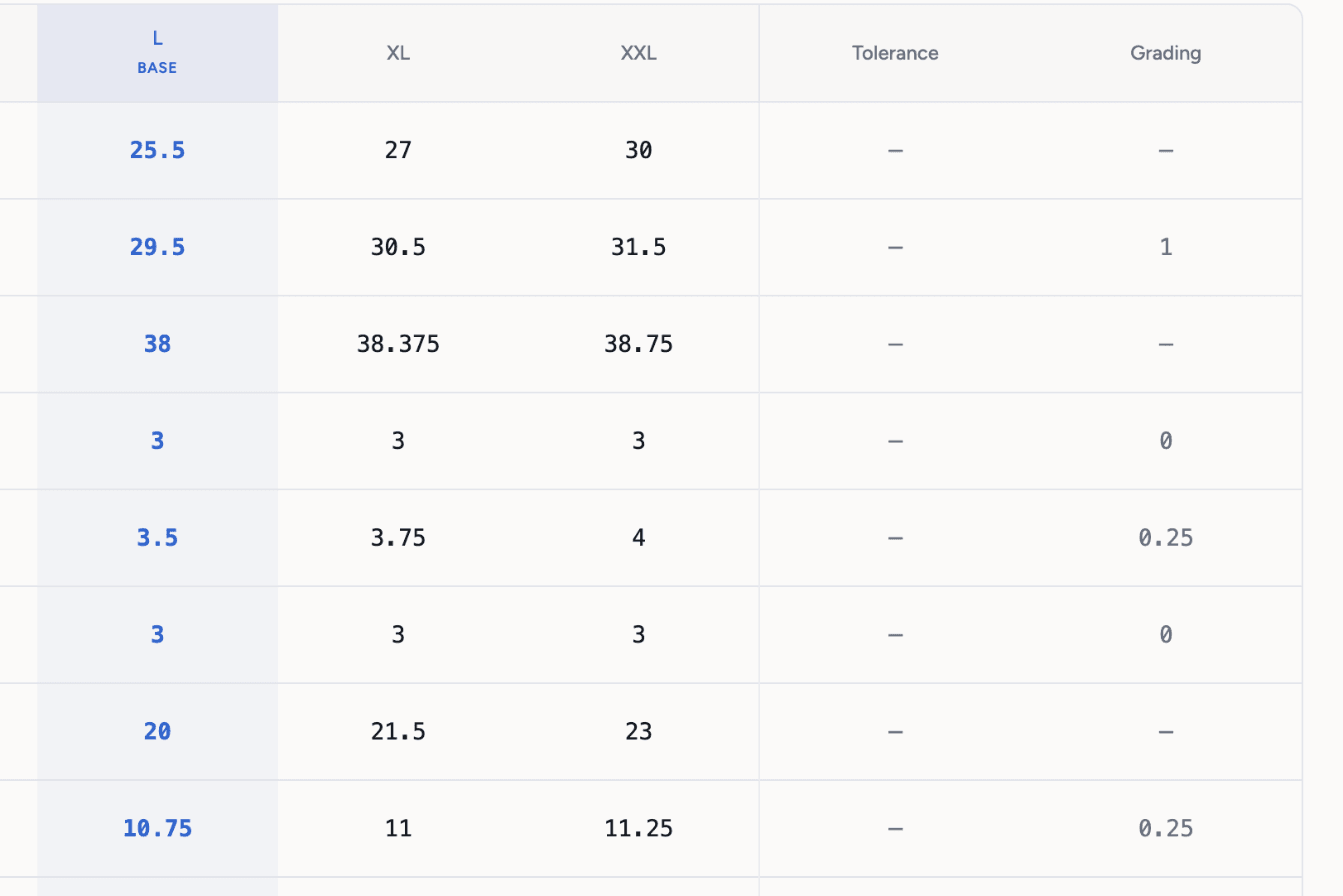
Graded points of measure across your size range, from 32 pre-installed charts or your own.
3-day free trial · Cancel anytime
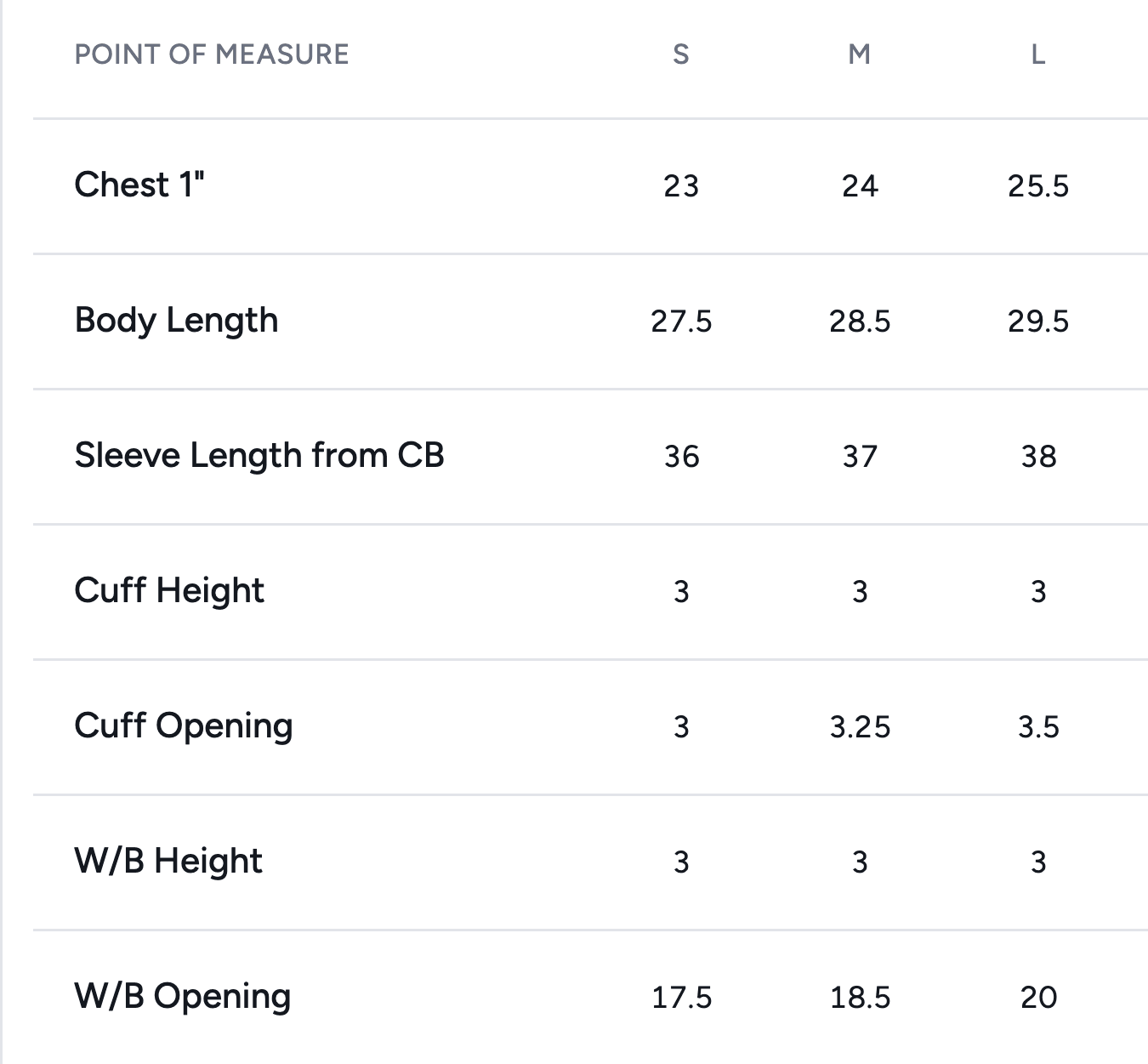
4 steps, no setup
- 1
Pick a chart
32 pre-installed charts by garment type, each with graded sizes. Link one to the product, or import your own spreadsheet.
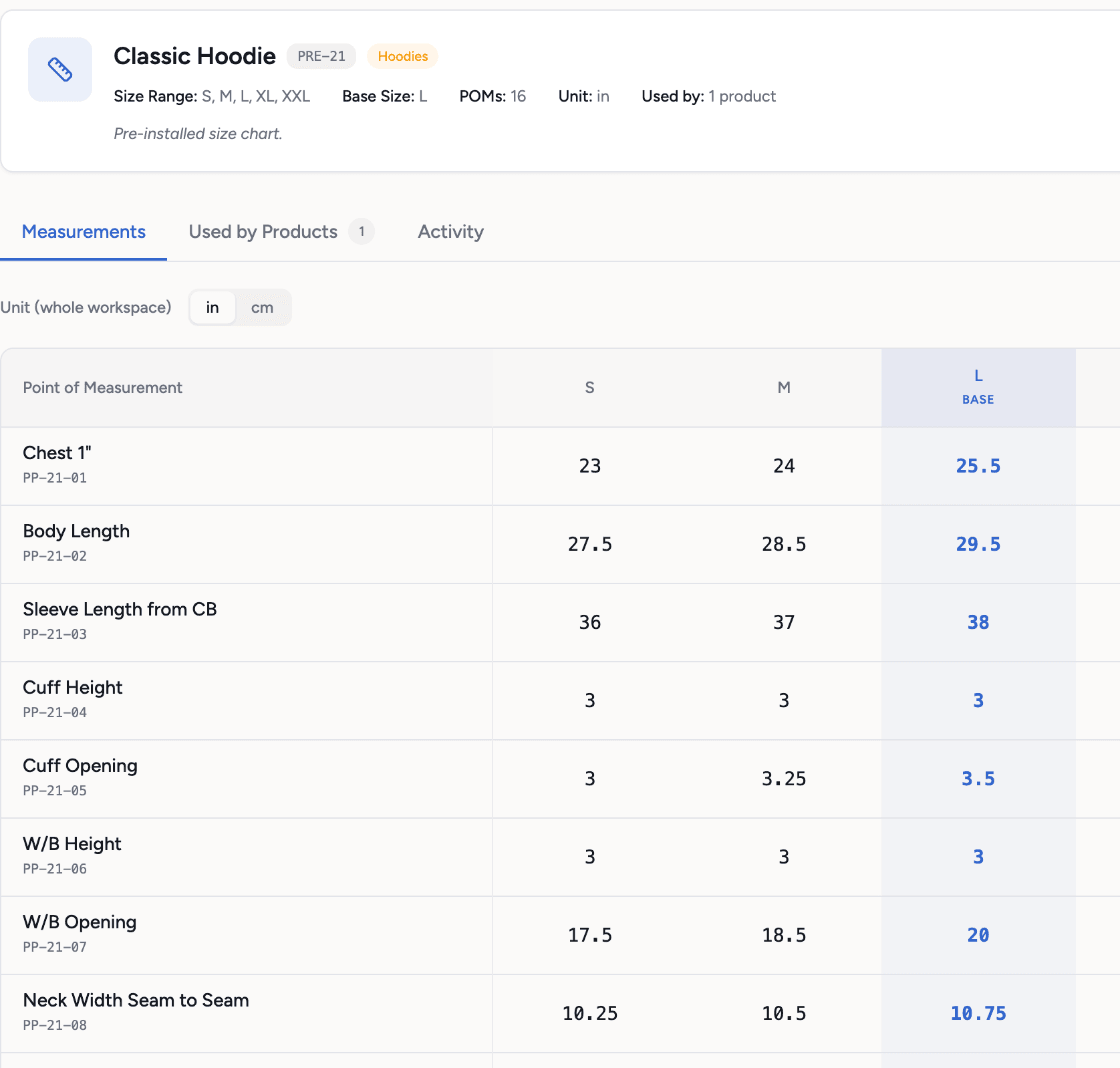
- 2
Adjust the points
Add, remove or rename points of measure. AI can suggest the points for your garment, free.
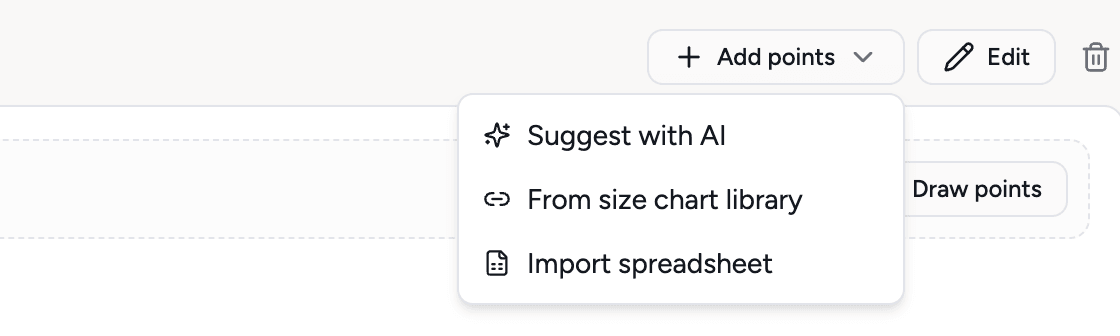
- 3
Show how to measure
Draw the points on the sketch so the factory sees where each one is measured. Switch the whole chart between inches and centimeters.
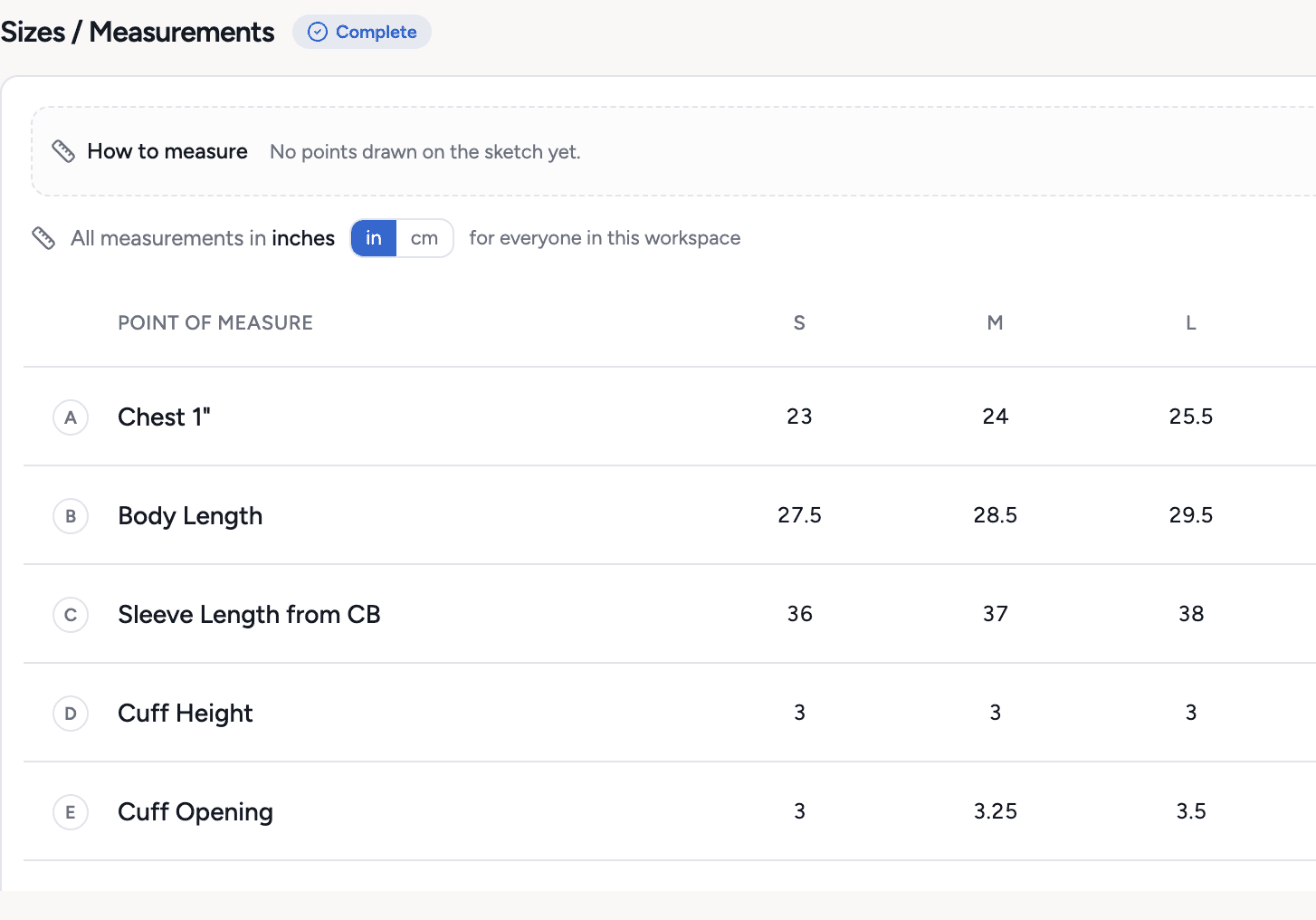
- 4
Grade it
A tolerance and a grading step for every point of measure, size by size.
What you get
- 32 pre-installed size charts
- 508 points of measure, marked on the sketch
- Import from a spreadsheet
- AI suggests points of measure, free
- Tolerances and grading
- Inches and centimeters
- Size chart CSV export
Credits: Free. How credits work
Good to know
What this feature does not do, so there are no surprises.
- Pre-installed charts are starting points, not your fit. Grade them to your own block before bulk.
- AI suggestions list common points. They do not measure your sample.
Questions about measurements and size charts
Yes. Import a spreadsheet and map the columns to sizes and points of measure.
32 charts across common garment types, including the classic hoodie used in the demo tech pack. The size chart library in the app lists them all.
Works together with
Try measurements and size charts on your own garment
Every new workspace opens with a finished hoodie tech pack. Open it, change it, export the PDF. Then build your own.
3-day free trial · Cancel anytime
Teams and factories: the Enterprise PLM starts with a demo. We set you up, then you get access.