Colorways and Pantone matching
Build colorways with Pantone TCX references, or pick a color straight from a picture.
3-day free trial · Cancel anytime
3 steps, no setup
- 1
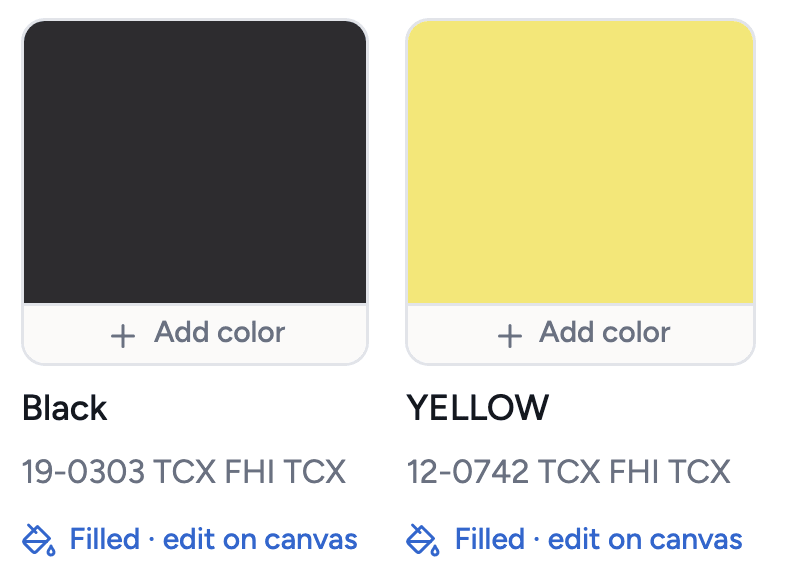
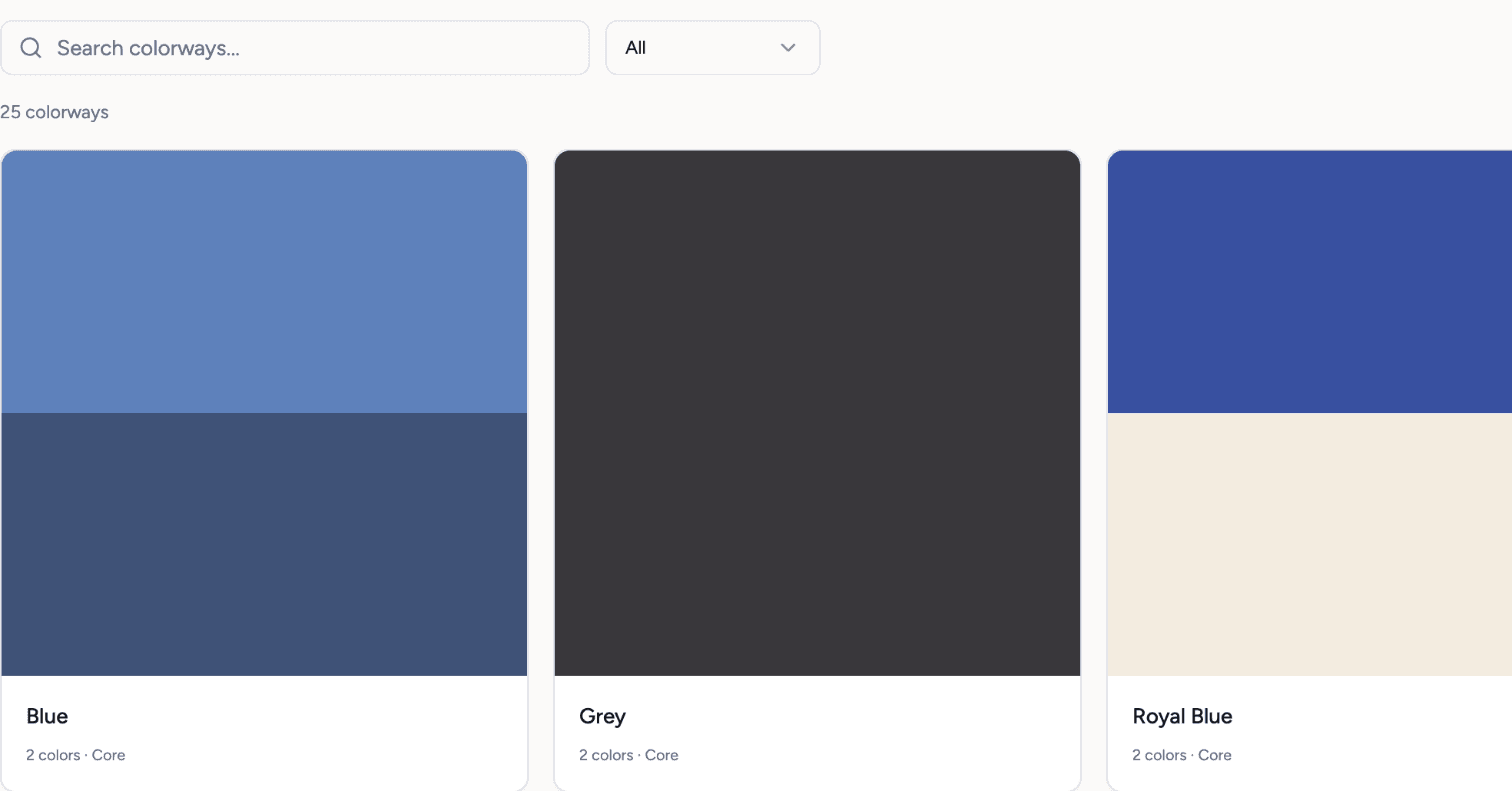
Search the library
Type a name or a code. 2,310 Pantone TCX references with digital previews, and every colorway you have made.
- 2
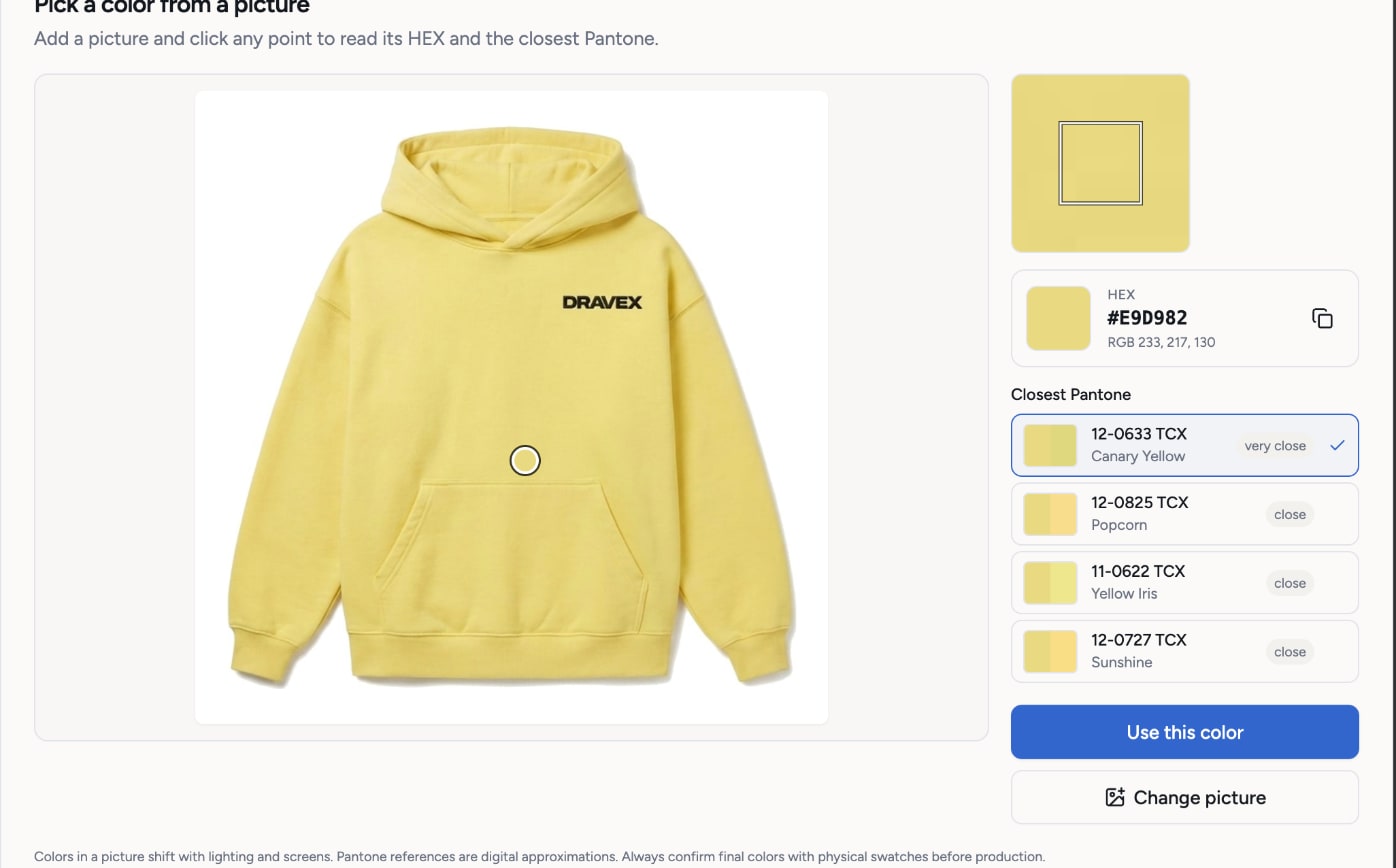
Pick from a picture
Upload a photo of a swatch or a garment and click the color you want. You get its HEX value and the closest references, ranked.
- 3
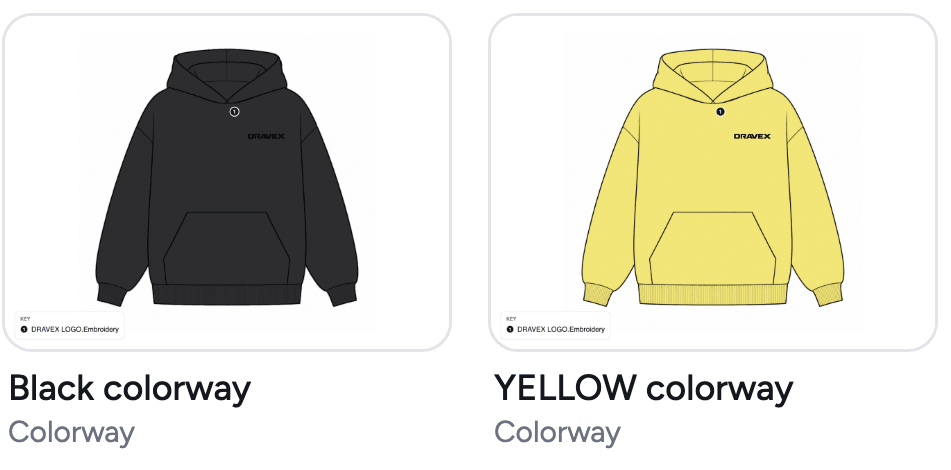
Apply it to the sketch
Each colorway paints its own view on the canvas. The PDF and the supplier link list every reference.
What you get
- 2,310 Pantone TCX reference codes
- Pick from picture, ranked by Delta E
- Trim colors with finishes
- One canvas view per colorway
- Colorway cards in the tech pack, the PDF and the share link
- A shared color library across your products
Credits: Free. Colorways and color picking use no credits. How credits work
Good to know
What this feature does not do, so there are no surprises.
- Pantone references are digital approximations. Techstyles is not an official Pantone integration. Confirm colors with physical swatches or lab dips.
- Screen colors vary by device. Use the code, not the screen, when you brief the mill.
Questions about colorways and pantone matching
No. The references are digital approximations of Pantone TCX codes. Use them to say which color you mean, then confirm with physical swatches or lab dips.
Yes. Pick a color from a picture or from the library, name it, and reuse it across products.
Works together with
Try colorways and pantone matching on your own garment
Every new workspace opens with a finished hoodie tech pack. Open it, change it, export the PDF. Then build your own.
3-day free trial · Cancel anytime
Teams and factories: the Enterprise PLM starts with a demo. We set you up, then you get access.