AI flat sketches
Clean front and back technical flats from a photo or a garment type, in seconds.
3-day free trial · Cancel anytime
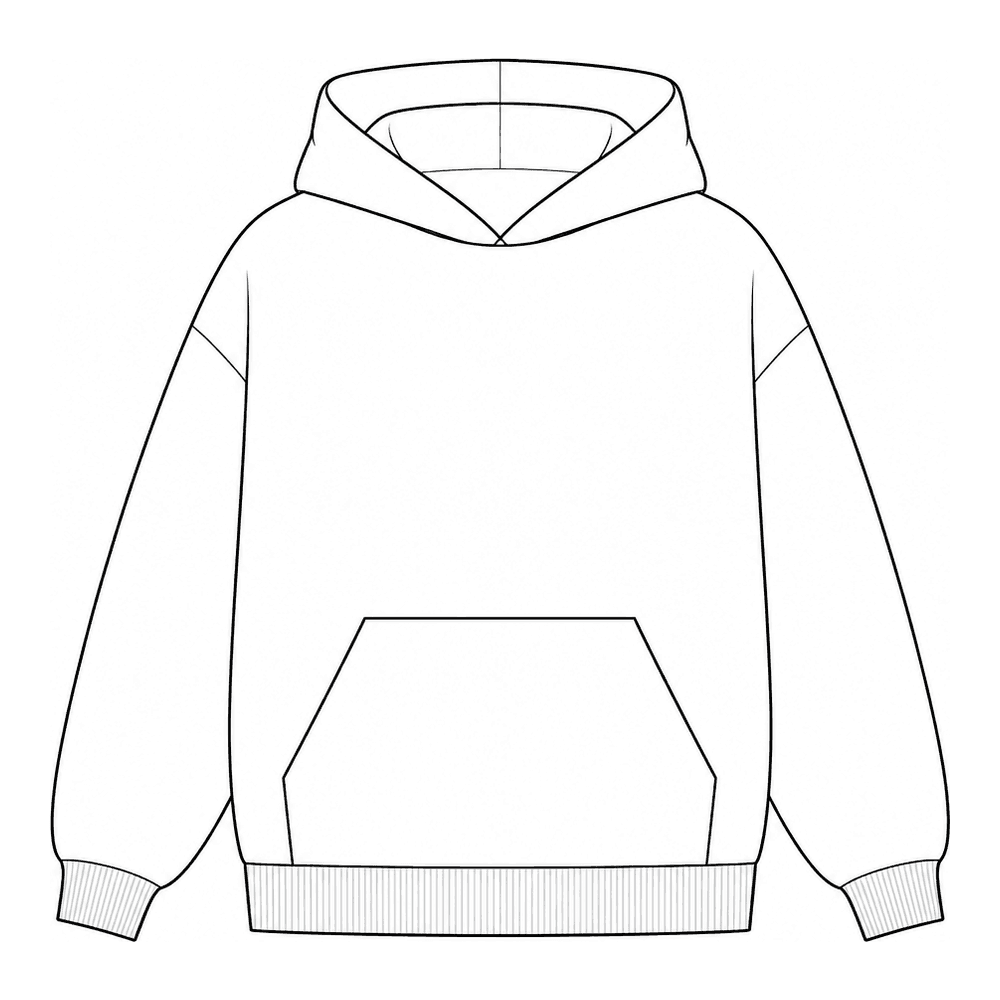
4 steps, no setup
- 1
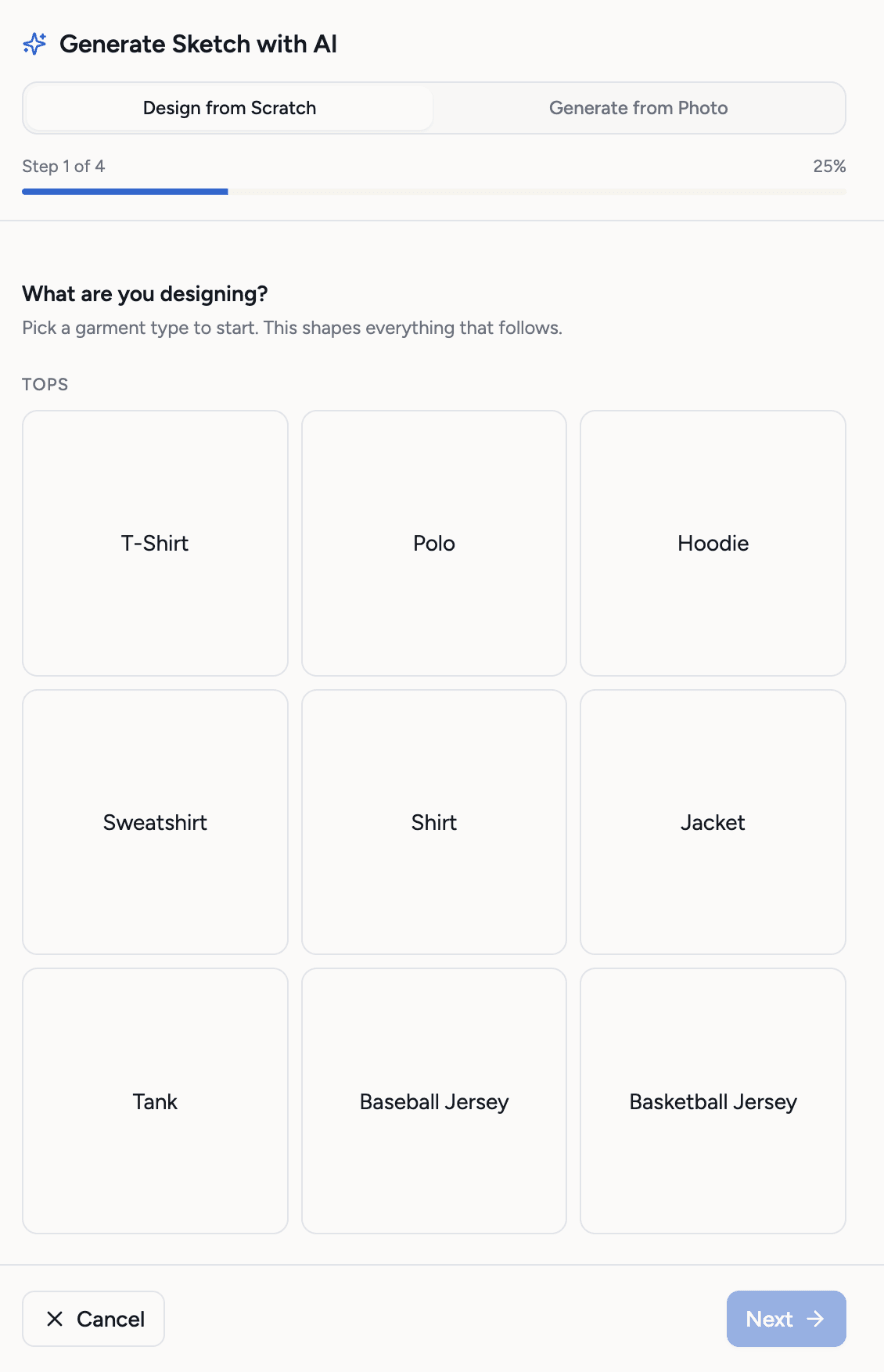
Pick a garment type
19 garment types to start from. Pick the closest one, then describe the details that make yours different.
- 2
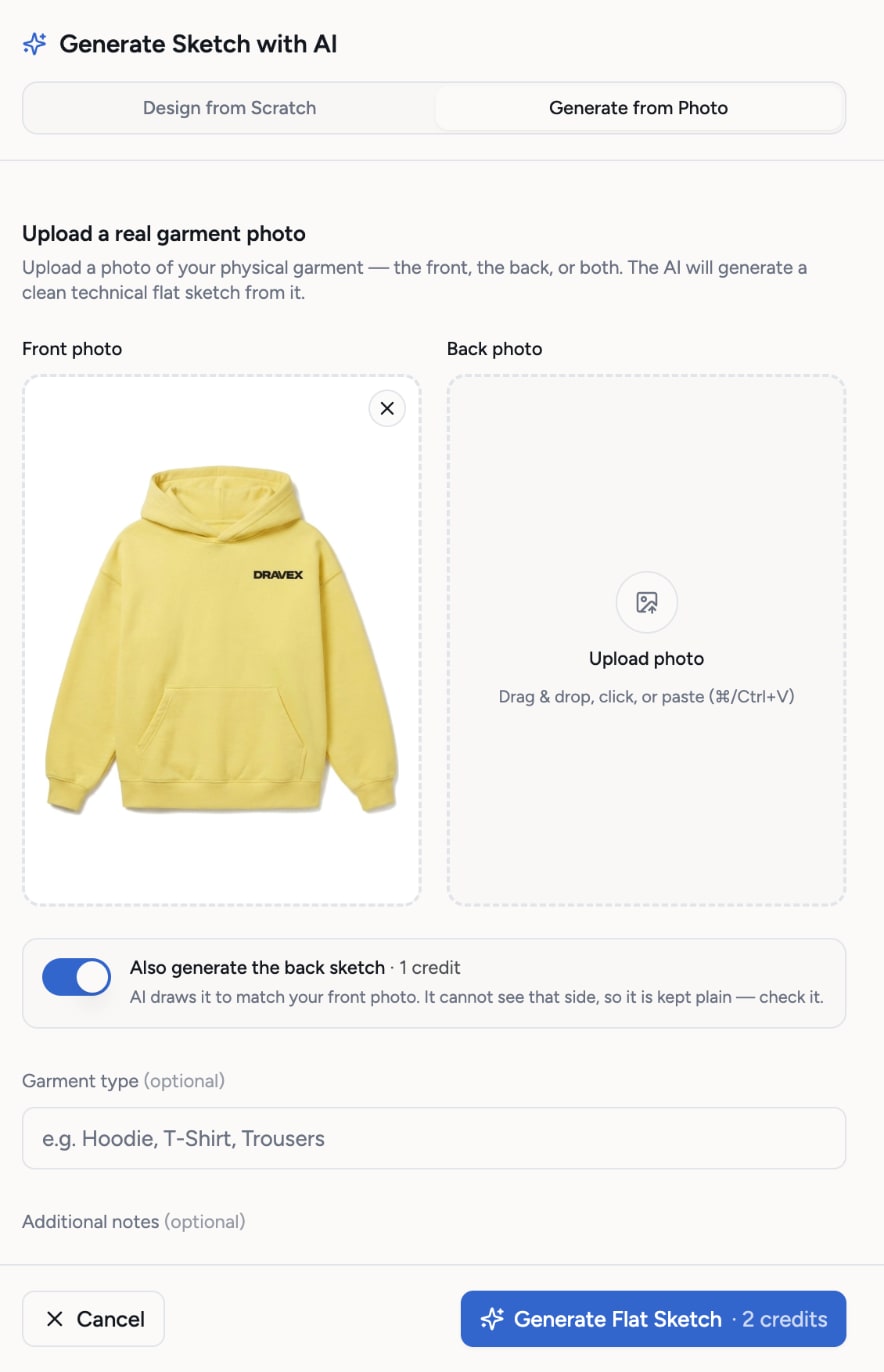
Or start from a photo
Upload a photo of a sample, a reference or a drawing. The AI draws a clean technical flat from it, and can add the back view for one more credit.
- 3
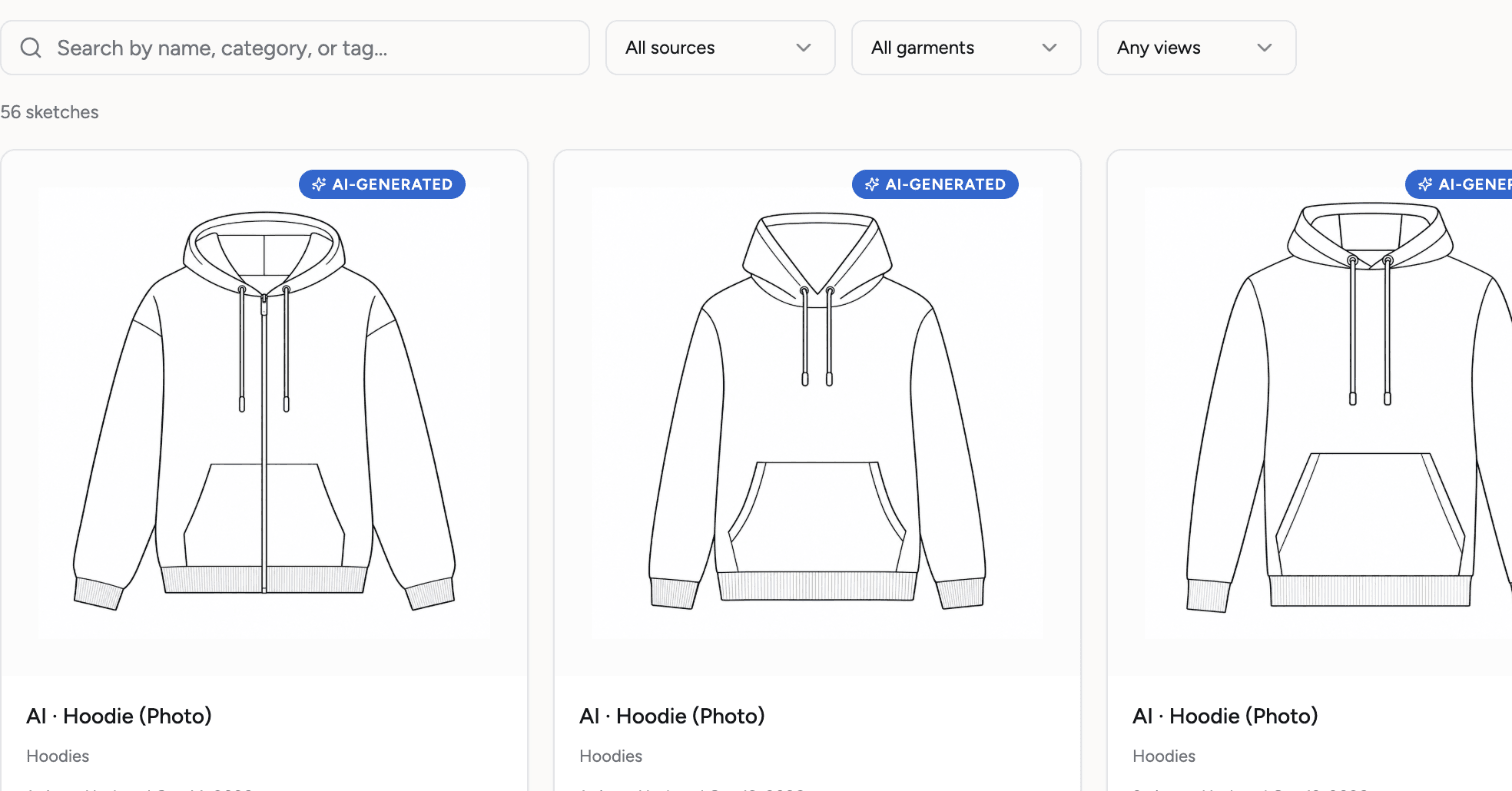
Techstyles drafts the flats
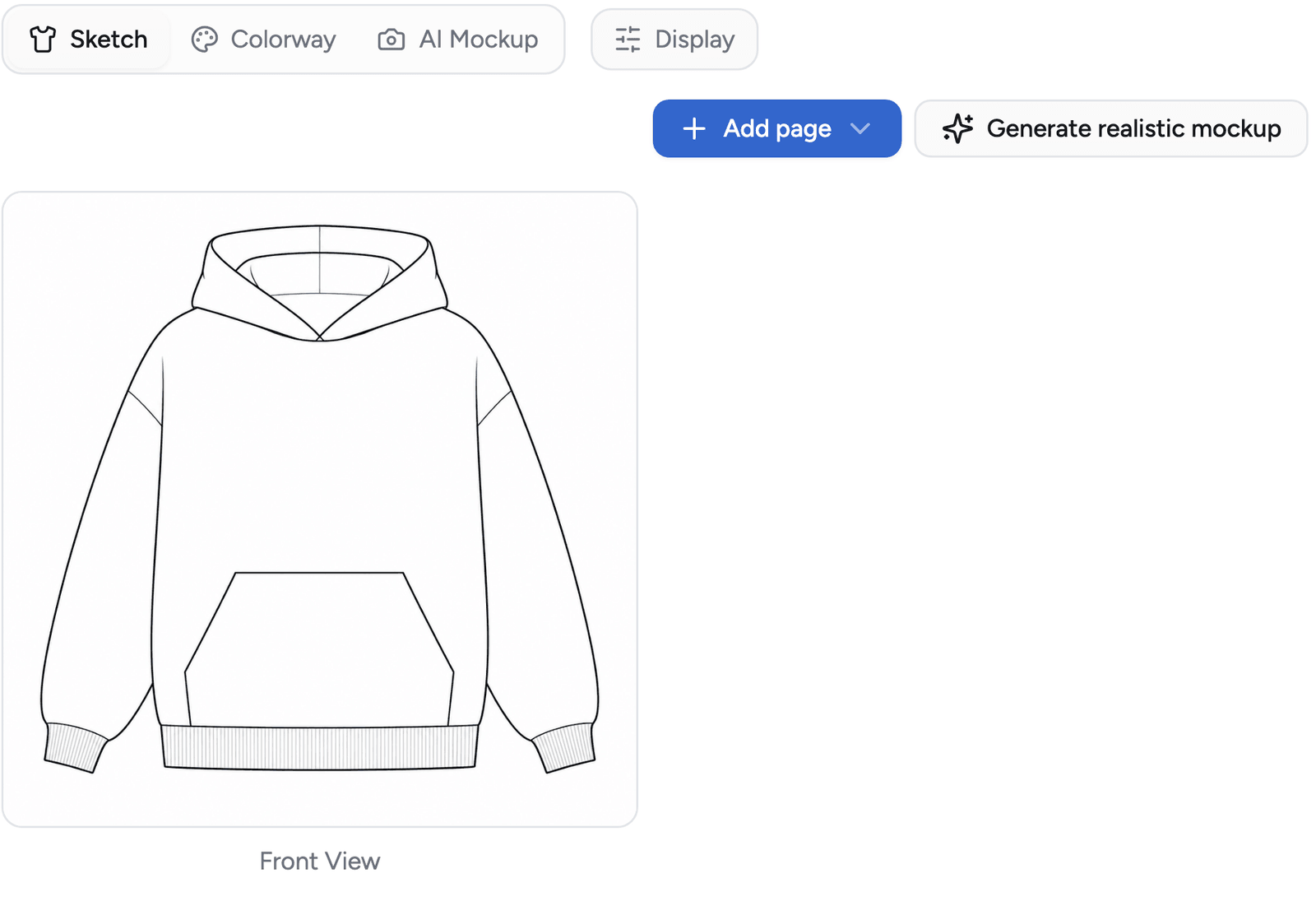
Clean line drawings, front and back, saved to your sketch library so you can reuse them across products.
- 4
Build the tech pack on it
The sketch becomes the Sketch section of the tech pack: add views, color it on the canvas, generate a mockup.
What you get
- Front and back views
- 19 garment types to start from
- Photo to flat: a sample, a reference or a drawing
- PNG and SVG export
- A sketch library you reuse across products
- Pencil clean-up and eraser on the canvas
- Or upload a flat you already have
Credits: 1 credit per view. Front plus back is 2 credits. How credits work
Good to know
What this feature does not do, so there are no surprises.
- AI output is a draft. Check proportions and details before the factory sees it.
- The canvas works on a raster sketch, not a vector CAD file.
- Each view costs 1 credit, and so does a regeneration.
Questions about ai flat sketches
Yes. Upload a flat you already have and skip the AI step. Everything else in the tech pack works the same way.
19 garment types. Pick the closest one and describe the details, or upload a photo instead.
1 credit per view. The trial includes 30 credits and Pro includes 100 every month.
Works together with
Try ai flat sketches on your own garment
Every new workspace opens with a finished hoodie tech pack. Open it, change it, export the PDF. Then build your own.
3-day free trial · Cancel anytime
Teams and factories: the Enterprise PLM starts with a demo. We set you up, then you get access.